SendMyVoice vs AudioPen
 SendMyVoicevs
 AudioPen
“Follow up with the client, then log the expense”
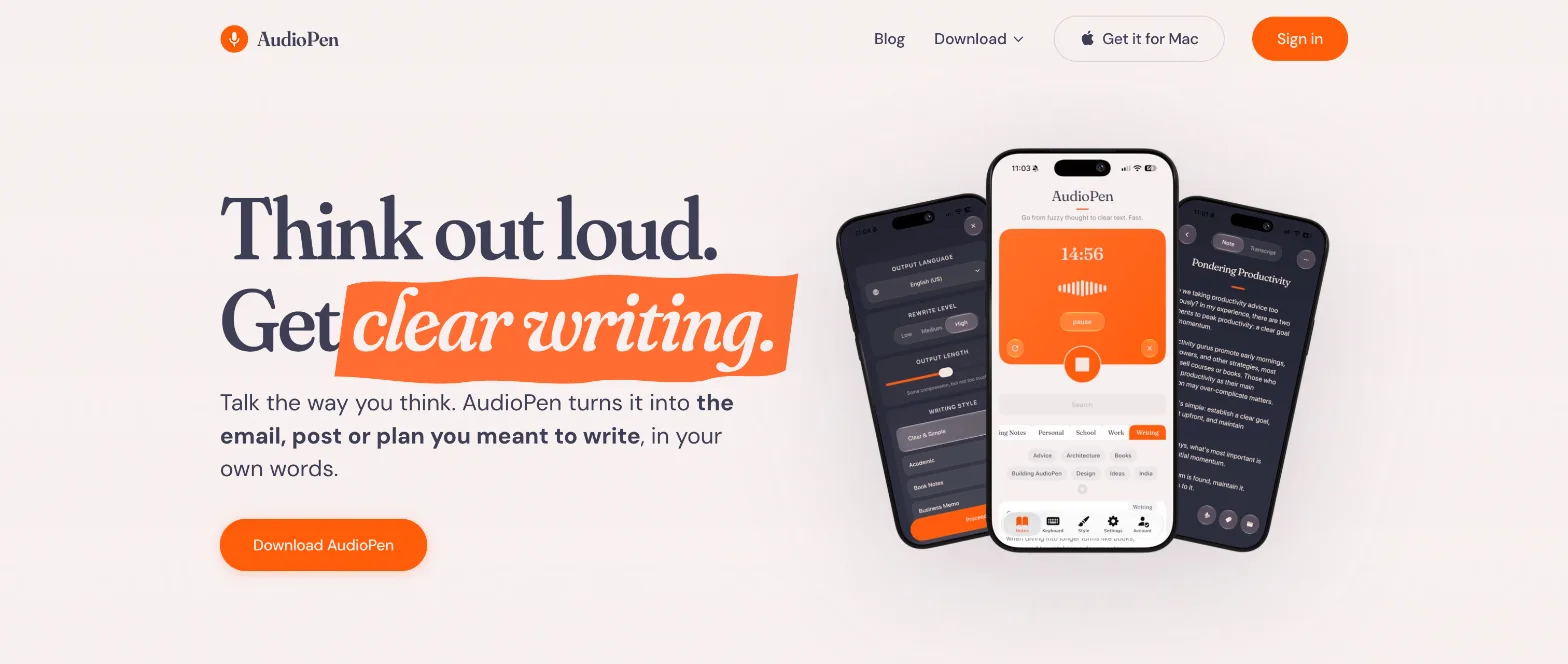
Both take a voice ramble and give you clean text. AudioPen is built around writing: it rewrites what you said in your style and types it into whatever app you have open. SendMyVoice rewrites too, and is built around the voice itself: you can send a recording people play, ask people for spoken answers, and turn what you say into rows in Notion or Google Sheets.
| SendMyVoice | AudioPen | |
|---|---|---|
| Rewrite styles | 8 styles (Email, List, Short post, Meeting notes and more); Light, Medium or Full; Short, Medium or Long | Large style library plus your own styles; Low, Medium or High; length slider |
| Typing into other apps | No | iPhone keyboard, Android bubble, Mac and Windows hotkey |
| Send your voice to people | Share link people play, play button in Gmail, website embed, QR code | No: notes are shared as text |
| Collect voice from others | Voice forms: questions people answer by speaking, no account needed | No |
| Structured rows | Amounts, dates and categories into Notion databases and Google Sheets | No |
| Where text goes | Your notes, Notion, Google Docs, Google Sheets, email | Your notes, Notion, Zapier, webhooks, ChatGPT and Claude (MCP) |
| Apps | Web app (installable), Chrome and Edge extension | iPhone, Android, Mac, Windows, Chrome extension, web |
| Free plan | 10 recordings a month, up to 3 minutes | Recordings up to 3 minutes |
| Paid plan | Pro $6/mo: 500 recordings, up to 20 minutes | Prime $99/yr: unlimited, up to 15 minutes |
Rewriting: both do it
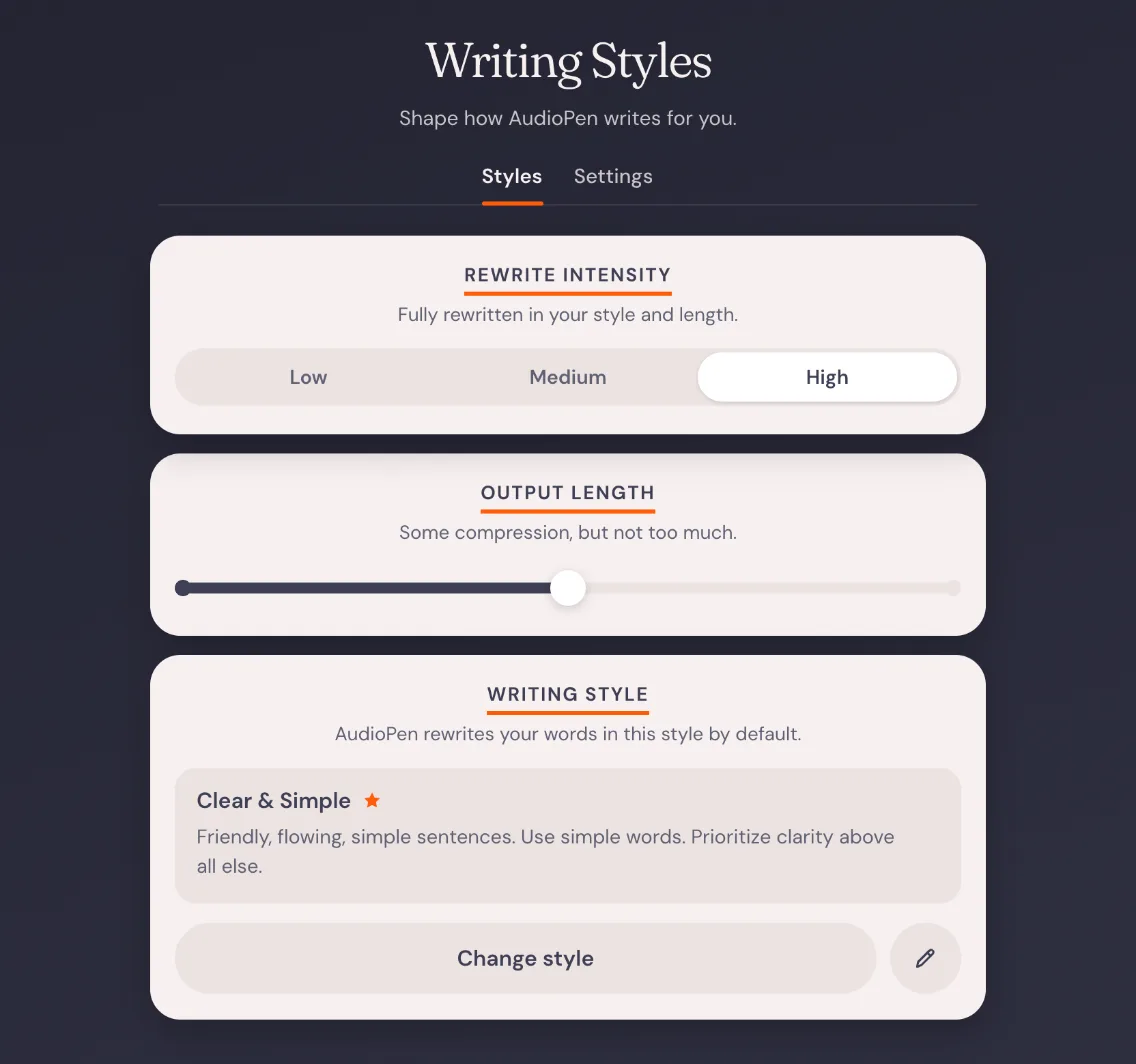
In AudioPen you pick a style, how much to rewrite (Low, Medium or High) and how long the result should be. “Rewrite” replaces the note, and “Copy & Rewrite” keeps the original and makes a new note.
SendMyVoice has the same three controls on every recording: a style, Light, Medium or Full rewriting, and Short, Medium or Long. The summary stays as the original, and the rewrite sits next to it as a second tab you can copy.
AudioPen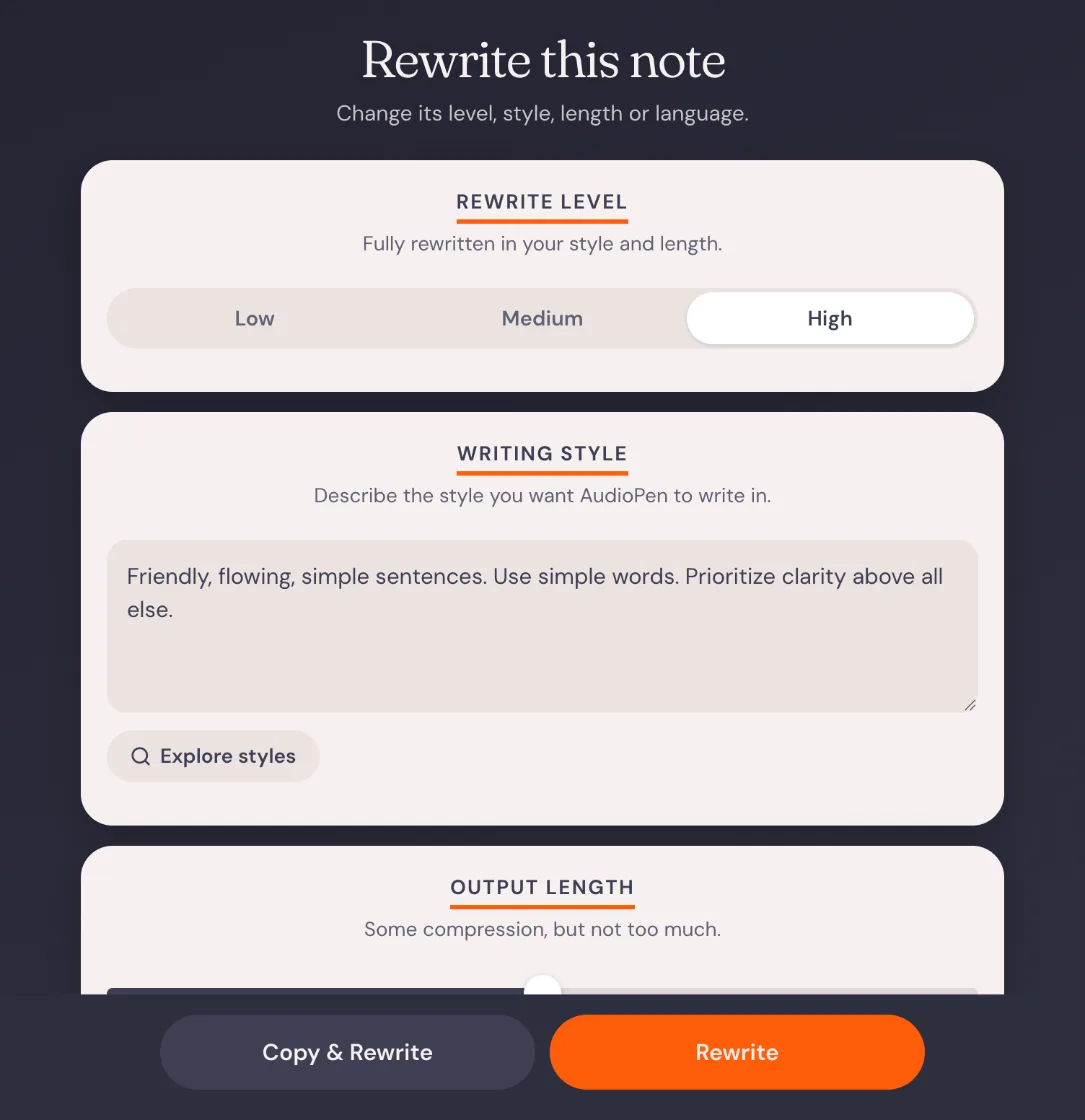 SendMyVoice
SendMyVoice: a 52-second ramble, rewritten as an email next to the original summary
Where AudioPen is the better fit
If you want to talk instead of type in every app, AudioPen is ahead. Its iPhone keyboard, Android floating bubble and Mac and Windows hotkey put the finished text wherever your cursor is: Gmail, Slack, WhatsApp or Notion. Its style library is larger, custom styles are free, and it can transcribe offline on its apps. It also connects to Zapier, webhooks, and ChatGPT and Claude through MCP, which SendMyVoice does not have yet.
Where SendMyVoice fits
SendMyVoice is for when the voice itself should go somewhere. Send a recording as a link people play without an account, or drop a play button into a Gmail email with the Chrome extension. AudioPen shares notes as text.
It also works the other way: a voice form asks clients, students or customers a few questions they answer by speaking, and you get each answer with its transcript. And when a note holds numbers, like expenses or tasks, SendMyVoice splits it into rows in a Notion database or Google Sheet instead of writing a paragraph.
Sam Patel
Answered today at 10:42
1. What was it like working with us?
0:41Honestly the speed. We had the first draft in two days and it was spot on, we barely changed anything.
2. Anything we could do better?
0:23Maybe a quick update midweek. For a few days I wasn't sure where things were.
“Coffee $4.50, lunch $12, Uber $8”
| A | B | C | |
|---|---|---|---|
| 1 | Item | Amount | Category |
| 2 | Coffee | $4.50 | Food |
| 3 | Lunch | $12.00 | Food |
| 4 | Uber | $8.00 | Travel |
Frequently asked questions
Is SendMyVoice an AudioPen alternative?
For rewriting a voice note into an email, a list or a post, yes: both do it, with a choice of style, how much to rewrite and how long the result is. AudioPen goes further on typing: its iPhone keyboard, Android bubble and Mac and Windows hotkey put the text into any app. SendMyVoice goes further on voice itself: you can send a recording as a link people play, collect spoken answers with a voice form, and turn what you say into Notion or Google Sheets rows.
Does SendMyVoice have writing styles like AudioPen?
Yes. Any recording can be rewritten as Clear & simple, Email, List, Short post, Meeting notes, Testimonial, Brief or Feedback, with Light, Medium or Full rewriting and Short, Medium or Long length. The original summary stays, and the rewrite sits next to it. AudioPen has a larger style library and lets you write your own styles on every plan.
Can SendMyVoice type into any app like AudioPen?
No. SendMyVoice runs in the browser and has a Chrome and Edge extension that records from any tab and drops a voice message into Gmail. It does not have a system keyboard or a desktop hotkey that types text wherever your cursor is.
How do the prices compare?
AudioPen is free for recordings up to 3 minutes; Prime costs $99 a year (or $33 for 3 months) and allows recordings up to 15 minutes. SendMyVoice is free for 10 recordings a month up to 3 minutes; Pro costs $6 a month and allows 500 recordings a month up to 20 minutes.
Comparison based on AudioPen's website and app as of October 2026; check each product's site for current details.