SendMyVoice vs Beep
 SendMyVoicevsBeep
“Follow up with the client, then log the expense”
Both are built around recording your voice instead of typing. Beep is built for leaving that recording as a comment inside a Google tool someone else will open: a Gmail thread, a Google Doc, a Google Classroom assignment. SendMyVoice is built for turning your own voice note into a structured record: a Notion row, a Sheets row, a Doc, or an email: that lands wherever you already keep your work.
Why people look for a Beep alternative
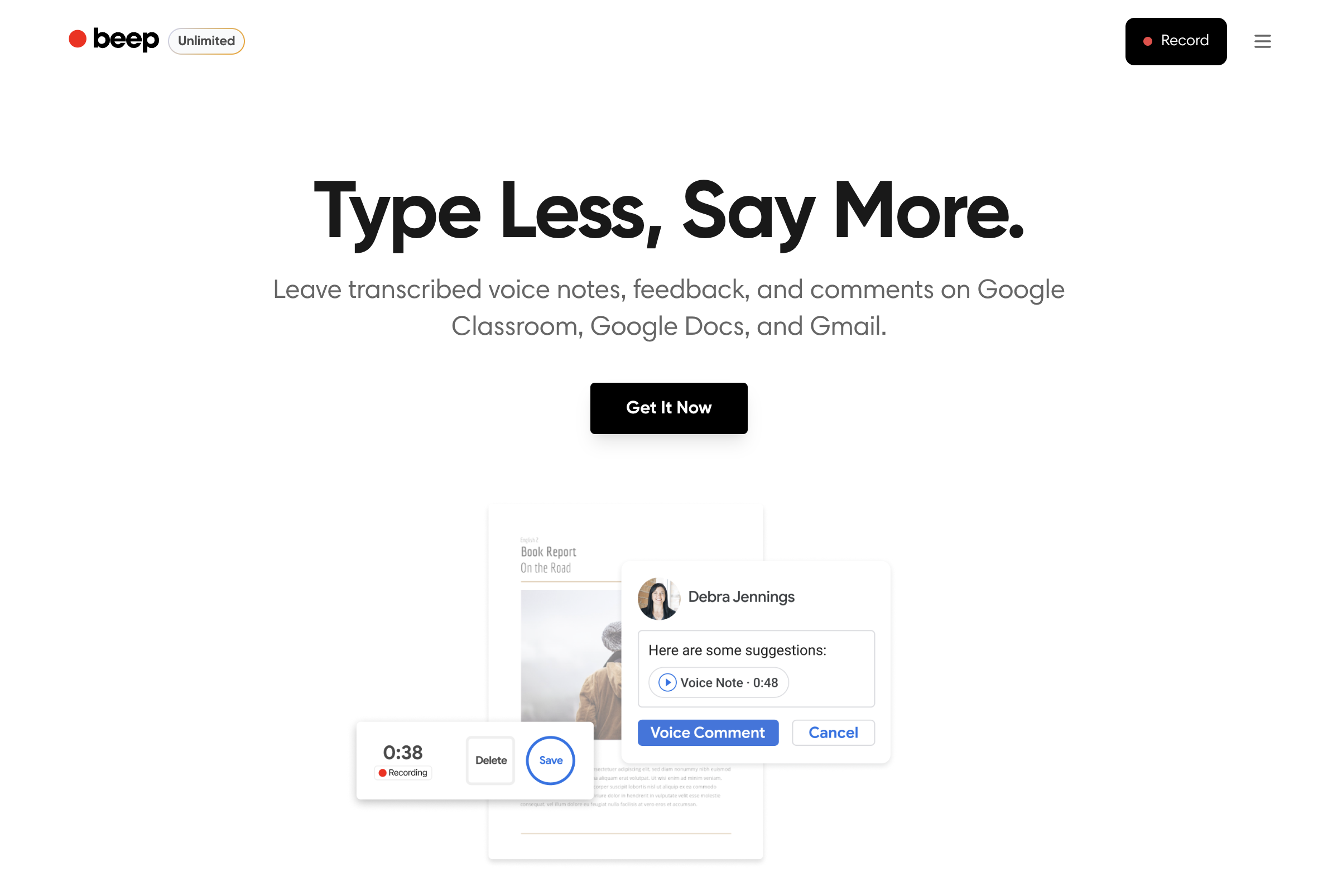
Beep is a genuinely useful tool for its core job. As of mid-2026, per their site, its Chrome extension and Google Workspace add-on let you record a voice comment right inside Gmail, Google Docs, or Google Classroom, and the recipient can listen without installing anything. It leans into education specifically: teachers leaving spoken feedback on a student's essay or assignment, with school and organization options for wider rollout.
People start comparing it to a Beep alternative when what they actually need isn't a comment on someone else's document, but a way to turn their own spoken notes into something structured they can act on later: a task in Notion, a line in a spreadsheet, or a written summary sent to their own inbox. That's a different job, and it's the one SendMyVoice is built for.
“Follow up with Acme Corp about the Q3 proposal, mark it high priority, and log the $240 software expense: due next Friday.”
Follow-up on the Acme Corp Q3 proposal, flagged high priority, with a $240 software expense to record.
| Feature | SendMyVoice | Beep |
|---|---|---|
| Capture | Installable web app (PWA): record from your phone or laptop browser | Record inside Gmail, Google Docs, or Google Classroom via a Chrome extension or Workspace add-on |
| Output / destination | Store your voice notes, share them as a link, or send directly to Notion, Google Docs, Google Sheets, or email | A voice comment attached to the Gmail thread, Doc, or Classroom assignment where it was recorded |
| Where it lives | In your own Notion, Sheets, Docs, or inbox | Inside the Gmail thread, Doc, or Classroom item: recipients play it without installing anything (per their site) |
| Typical use case | Turning your own spoken notes into structured records | Leaving spoken feedback or comments for someone else: teachers and students, per their site |
| Sharing | Any recording can be shared as a listen-only link, pasted into an email as a play button, or embedded on your own website | The comment plays where it was left, no separate share link needed |
| Platforms | Installable web app (PWA): any browser, installs to your home screen | Chrome extension, Google Workspace add-on (Gmail, Docs, Classroom) |
| Price (as of mid-2026) | Free (10 recordings/mo); Pro $6/mo | Free and paid plans; school pricing available (per their site) |
Where Beep fits
If you work in Google Workspace and want to leave spoken feedback for someone else: a teacher commenting on student work in Google Docs or Classroom, or a colleague replying to an email with their voice instead of typing: Beep is built exactly for that. Recording and delivery happen in the same place the recipient already is, with no separate app for them to open, which is a real advantage for feedback-style use cases.
Where SendMyVoice fits
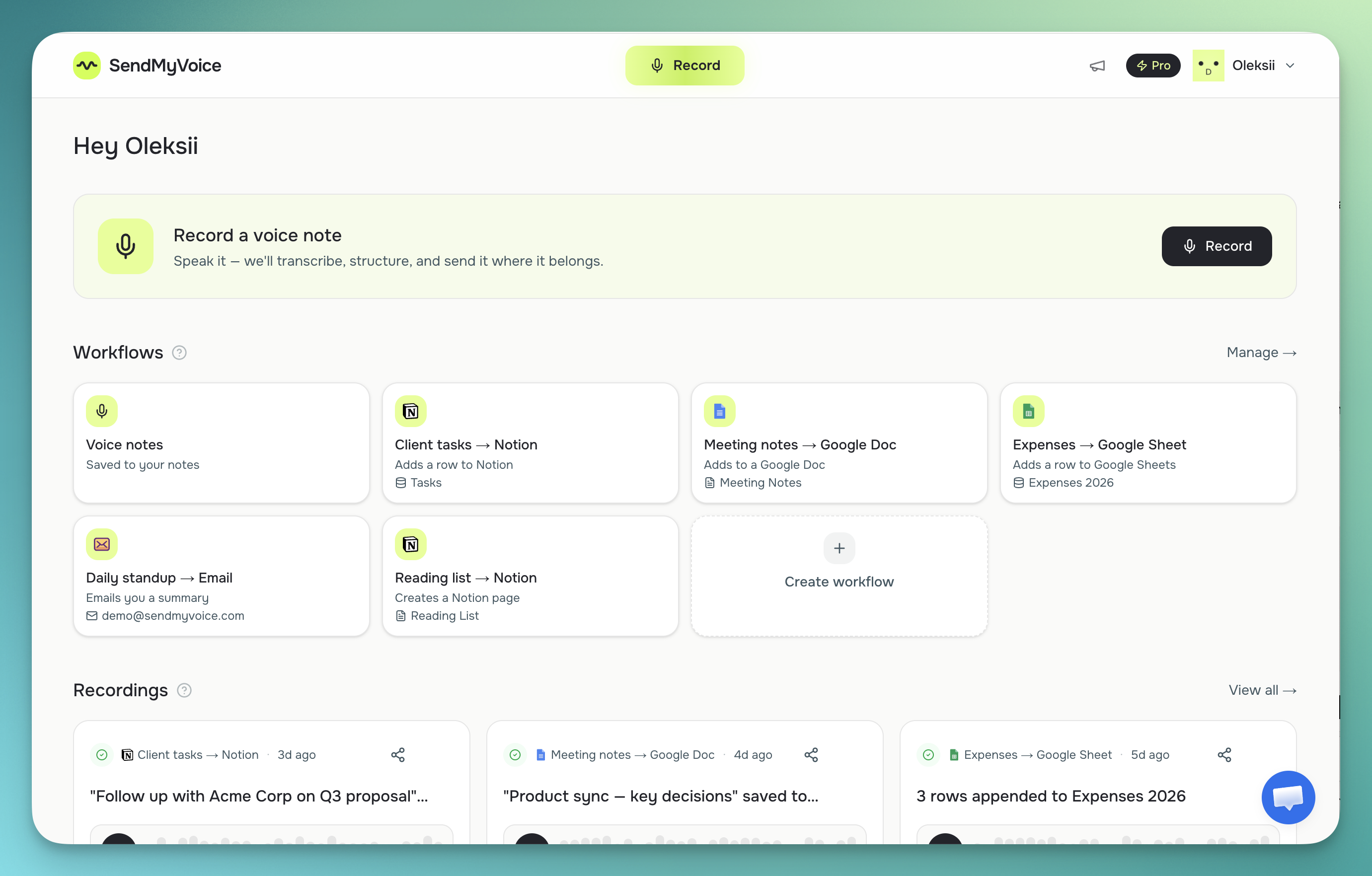
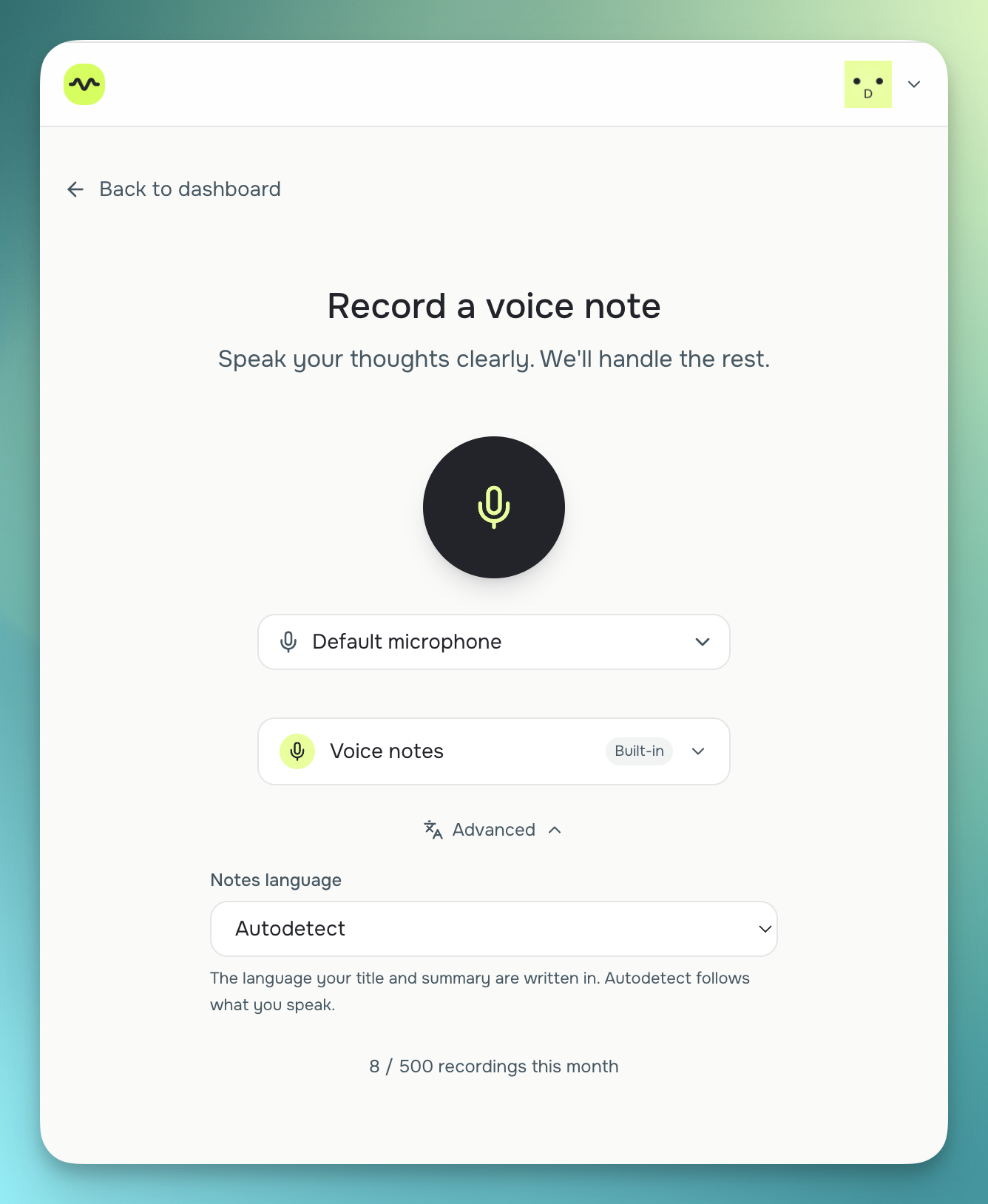
SendMyVoice fits when the recording is yours to act on, not a comment meant for someone else's document. It transcribes with Whisper, cleans up the text, and delivers it as a Notion database row, a Notion page, a Google Docs document, a new row in a Google Sheet with auto-detected columns, or an AI-written email summary. There's also a free tool for sharing a recording as a public, listen-only link, no account required, if all you need is to send someone a voice clip rather than leave a comment on their work. See how structured delivery works with Google Docs or email.
“Hey, quick update on the proposal. I'll send the revised numbers over by Friday…”
Frequently asked questions
Is SendMyVoice a Beep alternative?
Only for some use cases. Beep is built for leaving a voice comment or piece of feedback directly inside Gmail, Google Docs, or Google Classroom: popular with teachers responding to students. SendMyVoice is built for a different job: turning your own voice note into a structured record in Notion, Google Sheets, Google Docs, or an email summary. If you want to leave someone spoken feedback inside a Google tool, Beep fits. If you want your spoken notes to become organized records you can find later, SendMyVoice fits.
Does SendMyVoice work inside Gmail or Google Classroom like Beep?
No. Beep has a Chrome extension and Google Workspace add-on that let you record and leave a voice comment directly inside Gmail, Google Docs, or Google Classroom, and the recipient listens without installing anything (per their site). SendMyVoice is a separate installable web app (PWA): you record there, and the result is delivered to Notion, Sheets, Docs, or email afterward.
Can SendMyVoice give students or teams voice feedback like Beep?
Not in the same way. Beep is purpose-built for spoken feedback attached to a specific document, email, or Classroom assignment. SendMyVoice doesn't attach comments to someone else's document: it transcribes and structures your own recording and delivers the result to a destination you control, such as a Google Doc you create or an email you send. For leaving feedback on someone else's work inside Google Workspace, Beep is the closer fit.
Which one should I use?
If you're a teacher or team member who wants to leave spoken comments inside Gmail, Google Docs, or Google Classroom for someone else to hear, Beep is built for that. If you want your own voice notes to turn into a Notion row, a Sheets row, a Doc, or a written summary email, SendMyVoice is built for that instead.
Comparison based on publicly available information as of July 2026, per Beep's site; check each product's site for current details, especially pricing.