SendMyVoice vs Voices.ink
 SendMyVoicevs
 Voices.ink
“Follow up with the client, then log the expense”
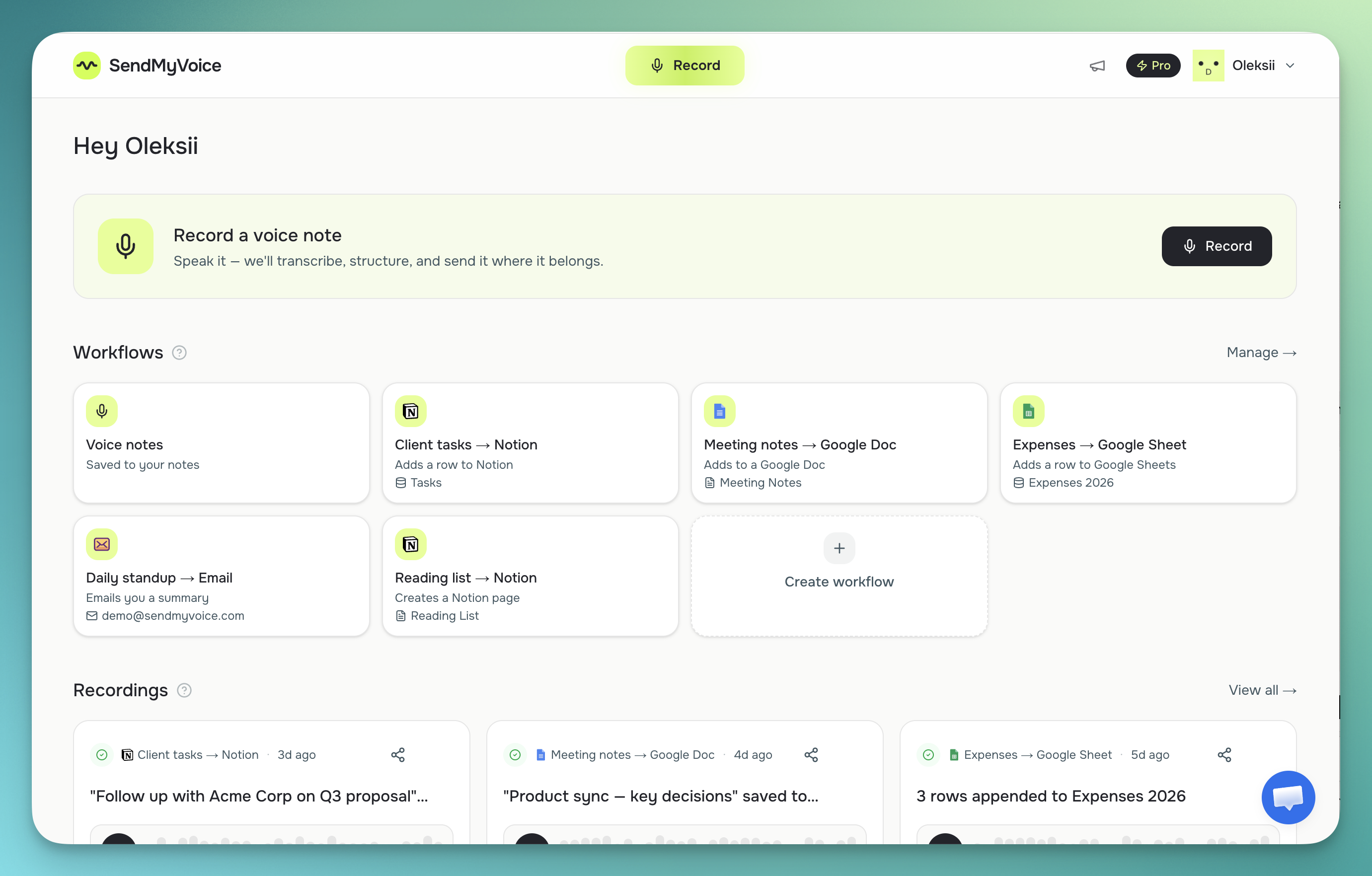
Both worked the same way at the start: record a voice note, and it arrives in Notion as a transcript with a summary. Voices.ink was built entirely around that one destination. SendMyVoice does the same first step, then goes further: it can map what you said onto the actual columns in your Notion database, and it can send the same kind of recording to Google Docs, Google Sheets, or your email instead, depending on what you're capturing.
Why people look for a Voices.ink alternative
Voices.ink was a focused tool for a single job: getting voice notes into Notion. It transcribed directly into Notion using the official Notion API, added an automatic summary, and supported multiple languages. Like SendMyVoice, it was an installable web app (PWA) rather than a native mobile or desktop app. With it no longer available, people who relied on it need somewhere to send voice notes instead.
People start comparing it to alternatives for a few concrete reasons: they want a recording to reach more than Notion, Google Docs, Google Sheets, or an email inbox; they want more than 5 free notes a month; or they want the note to land as a proper Notion database row, with values dropped into the right columns, not just a block of transcribed text.
“Follow up with Acme Corp about the Q3 proposal, mark it high priority, and log the $240 software expense: due next Friday.”
Follow-up on the Acme Corp Q3 proposal, flagged high priority, with a $240 software expense to record.
| Feature | SendMyVoice | Voices.ink |
|---|---|---|
| Capture | Installable web app (PWA): record from your phone or laptop browser, or install it to your home screen | Installable web app (PWA), no native mobile or desktop apps |
| Output / destination | Store your voice notes, share them as a link, or send directly to Notion, Google Docs, Google Sheets, or email | Notion only, via the official Notion API |
| Notion database fields | Maps extracted values (amounts, dates, categories) onto your database's actual columns | Transcribes the note into Notion with an automatic summary (per their site) |
| Transcription | AI transcription (Whisper), cleaned up into a transcript and summary | Multi-language transcription and auto-summarization (per their site) |
| Sharing | Any recording can be shared as a listen-only link, pasted into an email as a play button, or embedded on your own website | — |
| Platforms | Installable web app (PWA): works in any browser, installs to your home screen | Installable web app (PWA): works in any browser, no native app |
| Price (as of mid-2026) | Free (10 recordings/mo); Pro $6/mo | Free (5 notes/mo, up to 3 min each); paid plans ~$8.99–$24.99/mo (per their site) |
Where Voices.ink fits
If Notion is the only destination you care about, Voices.ink is a simpler, more focused tool for exactly that job. Its multi-language transcription covers a narrower use case well, and if you never need Sheets, Docs, or email, a Notion-only tool means one less decision to make.
Where SendMyVoice fits
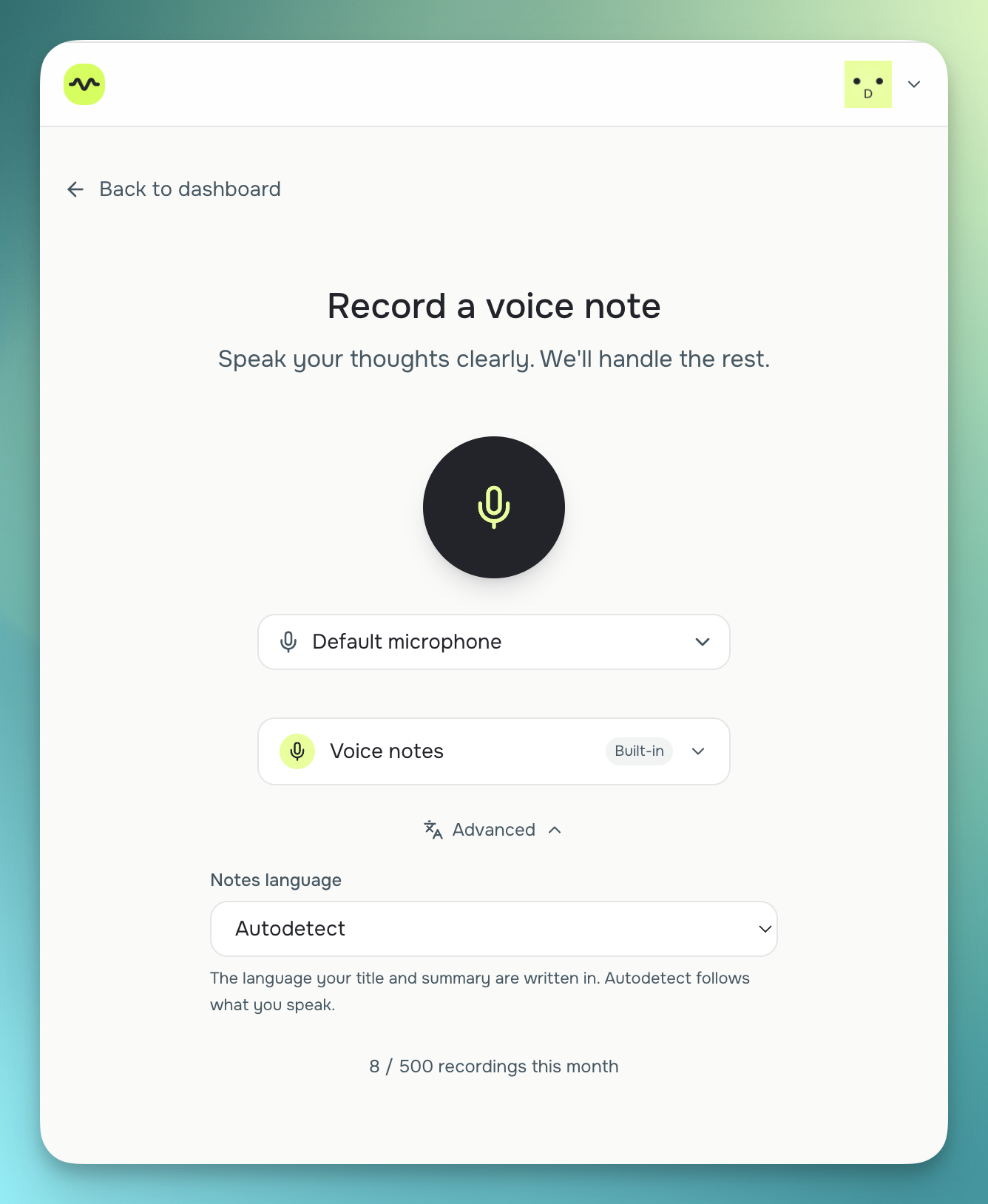
SendMyVoice fits when a voice note needs to become more than a block of text in Notion. It transcribes with Whisper, cleans up the text, and delivers it as a Notion database row: with amounts, dates, and categories mapped to the columns you already use, or a Notion page, a Google Docs document, a new row in a Google Sheet with auto-detected columns, or an AI-written email summary. There's also a built-in “Voice notes” workflow that keeps a transcript and summary in your dashboard with zero setup, and any recording can be turned into a public, listen-only share link. See how it works with Notion or read the full guide to sending voice notes to Notion.
“Hey, quick update on the proposal. I'll send the revised numbers over by Friday…”
Frequently asked questions
Is SendMyVoice a Voices.ink alternative?
Yes. Voices.ink was built around one destination, Notion — with automatic transcription and summarization, and was an installable web app (PWA) rather than a native mobile or desktop app. Now that it's no longer available, SendMyVoice is a natural replacement: it covers Notion too, and adds Google Docs, Google Sheets, and email, and can map values onto your Notion database's columns instead of just adding a transcribed block. That broader coverage is why people look for it as a Voices.ink alternative.
How does pricing compare between SendMyVoice and Voices.ink?
As of mid-2026, per each product's site: SendMyVoice's free plan includes 10 recordings a month; Voices.ink's free plan includes 5 notes a month, each up to 3 minutes. On paid plans, SendMyVoice Pro is $6/month; Voices.ink's paid plans run roughly $8.99 to $24.99/month depending on the minutes and recordings included.
Does SendMyVoice send structured data to Notion, not just transcribed text?
Yes. When you connect a Notion database, SendMyVoice can extract values from your recording: amounts, dates, categories, and other fields, and map them onto the matching columns in that database, creating a structured row rather than a single block of transcribed text. You can also choose a Notion page instead if you'd rather keep a simple transcript.
Can SendMyVoice send voice notes anywhere besides Notion?
Yes. Alongside Notion, SendMyVoice can deliver a recording to Google Docs, to a new row in Google Sheets (it auto-detects your columns), or as an AI-written summary email. There's also a built-in “Voice notes” workflow that just keeps the transcript and summary in your dashboard if you don't want to send it anywhere yet.
Comparison based on publicly available information as of July 2026, per each product's site; check each product's site for current details, especially pricing.