SendMyVoice vs Voicenotes
 SendMyVoicevs
 Voicenotes
“Follow up with the client, then log the expense”
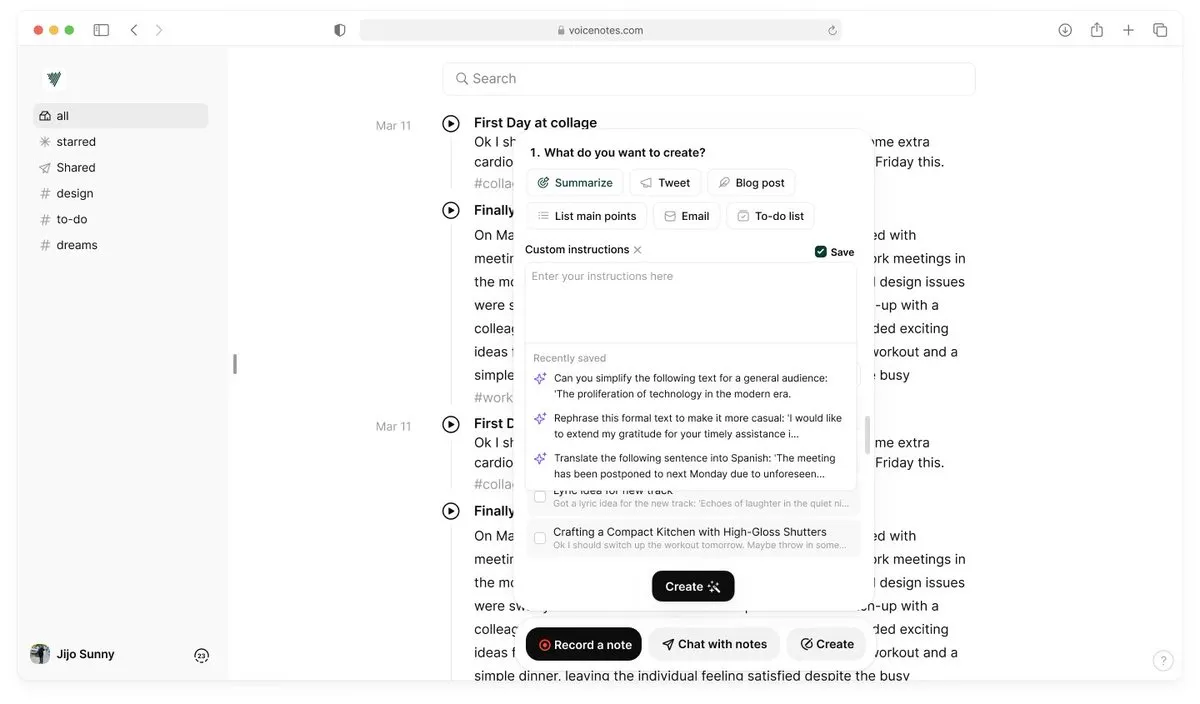
Both let you talk instead of type. The difference is what happens after you stop recording. Voicenotes gives your notes a home: one app where you can browse, search, and ask AI questions across everything you've said. SendMyVoice skips the home entirely and sends the structured result into Notion, Sheets, Docs, or your inbox, so it shows up where you already work.
The core difference
People look for a Voicenotes alternative for a reason: it's a genuinely capable app for anyone who wants their voice notes to live somewhere searchable. You record inside it, and later you can ask it things like “what did I say about the Q3 budget?” across your whole history. That's a real feature SendMyVoice doesn't have.
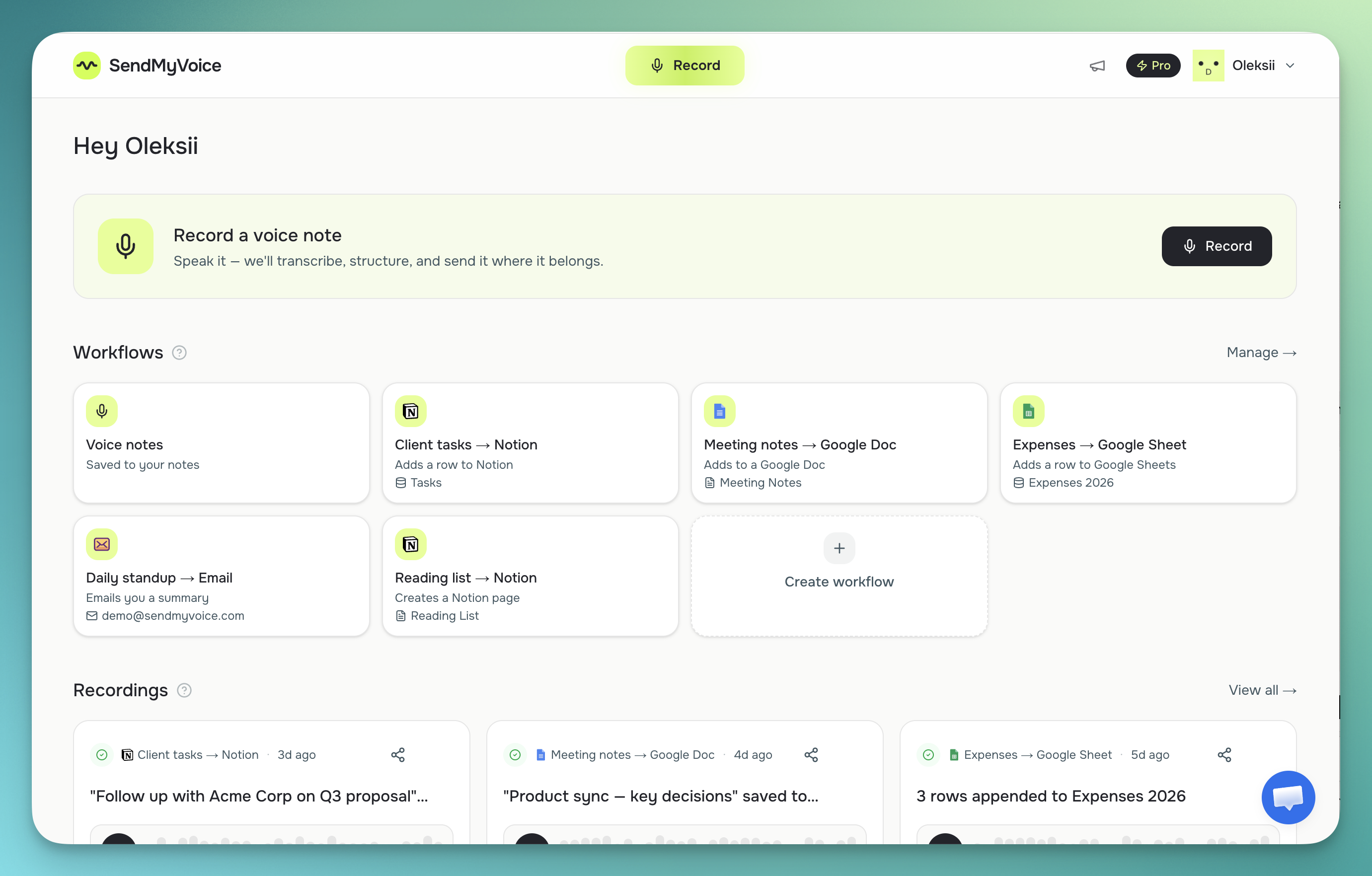
SendMyVoice takes a different approach. Instead of keeping your notes inside its own app, it turns each recording into a Notion database row, a Google Sheets row, a Google Doc, or an email, and then gets out of the way. There's a built-in “Voice notes” workflow that keeps a transcript and summary in your SendMyVoice dashboard if you don't want to send anywhere yet, but the product is built around delivery, not around being the place your notes live long-term.
“Follow up with Acme Corp about the Q3 proposal, mark it high priority, and log the $240 software expense: due next Friday.”
Follow-up on the Acme Corp Q3 proposal, flagged high priority, with a $240 software expense to record.
| Feature | SendMyVoice | Voicenotes |
|---|---|---|
| Capture | Installable web app (PWA): record from your phone or laptop browser | Native apps: iOS, Android, Mac, Windows, web, wearables |
| Output / destination | Store your voice notes, share them as a link, or send directly to Notion, Google Docs, Google Sheets, or email | Stays as a note in the Voicenotes app; “AI Creations” can turn it into a to-do list, blog draft, or meeting report |
| Where it lives | In your own Notion, Sheets, Docs, or inbox (or your dashboard for quick notes) | In the Voicenotes app |
| Transcription | AI transcription (Whisper), cleaned up into a transcript and summary | AI transcription in 100+ languages, plus “Ask AI” across all past notes |
| Sharing | Any recording can be shared as a listen-only link, pasted into an email as a play button, or embedded on your own website | — |
| Platforms | Installable web app (PWA): any browser, installs to your home screen | iOS, Android, Mac, Windows, web, wearables |
| Price (as of mid-2026) | Free (10 recordings/mo); Pro $6/mo | Free plan; Pro ~$9/mo; Team ~$49/mo (per their site) |
Where Voicenotes is the better fit
If you want one app that holds every voice note you've ever recorded, and you like being able to ask AI questions across that whole history, Voicenotes is a strong choice. It also has native apps on iOS, Android, Mac, Windows, and wearables, plus a meeting mode with speaker identification: none of which SendMyVoice offers today. If your workflow is “capture, then search or ask later, inside the same app,” Voicenotes was built for exactly that.
Where SendMyVoice fits
SendMyVoice is for people whose voice notes need to become something else: a row in a Notion database with the status and priority already filled in, a new row in a Google Sheet, a Google Doc, or a summary email. If your team already lives in Notion or Sheets, adding another app to search through isn't appealing: you want the voice note to become a record in the tool you're already using. That's the gap SendMyVoice fills. See how it works with Notion or read the full guide to sending voice notes to Notion.
“Hey, quick update on the proposal. I'll send the revised numbers over by Friday…”
Frequently asked questions
Is SendMyVoice a Voicenotes alternative?
It depends on what you want. Voicenotes gives you one app that holds and lets you search or ask AI across all your voice notes. SendMyVoice doesn't try to be that app: it takes each recording and sends the structured result into Notion, Google Sheets, Google Docs, or email instead. If you want a dedicated notes app, Voicenotes fits better. If you want voice notes to become rows or records in tools you already use, SendMyVoice fits better.
Does SendMyVoice have an Ask AI feature like Voicenotes?
No, not currently. Voicenotes lets you ask questions across your entire note history inside their app. SendMyVoice transcribes and structures each recording individually and delivers it to your chosen destination: it doesn't keep a searchable archive of its own beyond the built-in Voice notes workflow in your dashboard.
Does SendMyVoice have a mobile app like Voicenotes?
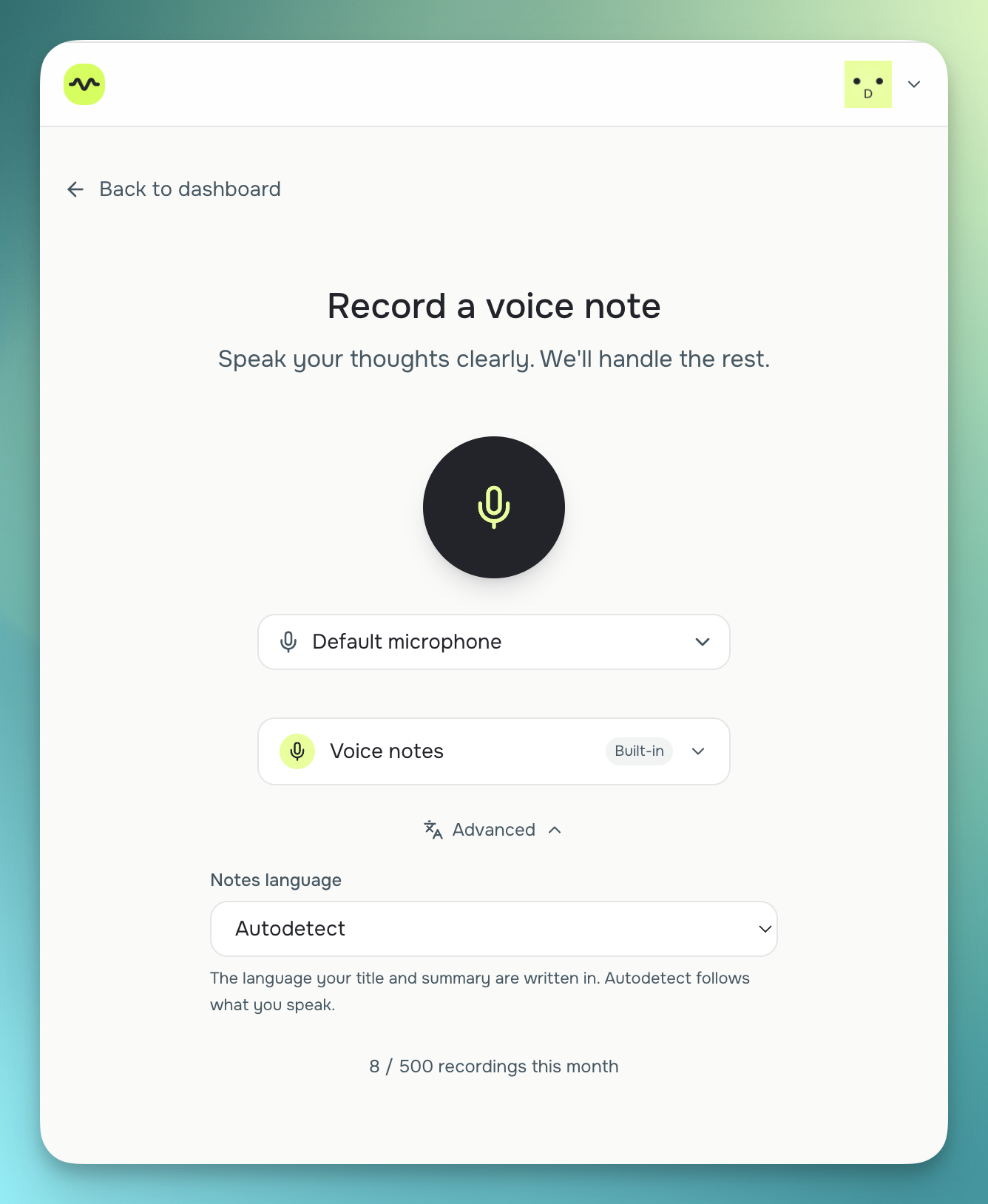
No. Voicenotes has native apps for iOS, Android, Mac, Windows, and wearables. SendMyVoice is an installable web app (PWA): you record from your phone's or laptop's browser, with no app store required, and can optionally install it to your home screen.
Which one should I use?
If you want a single app to capture, search, and ask AI questions about everything you've said, Voicenotes is a strong choice. If you want your spoken notes to land directly as a Notion row, a Sheets row, a Doc, or an email, without opening a separate notes app to find them later, SendMyVoice is built for that instead.
Comparison based on publicly available information as of July 2026; check each product's site for current details.