SendMyVoice vs Vocal
 SendMyVoicevs
 Vocal
Vocal“Follow up with the client, then log the expense”
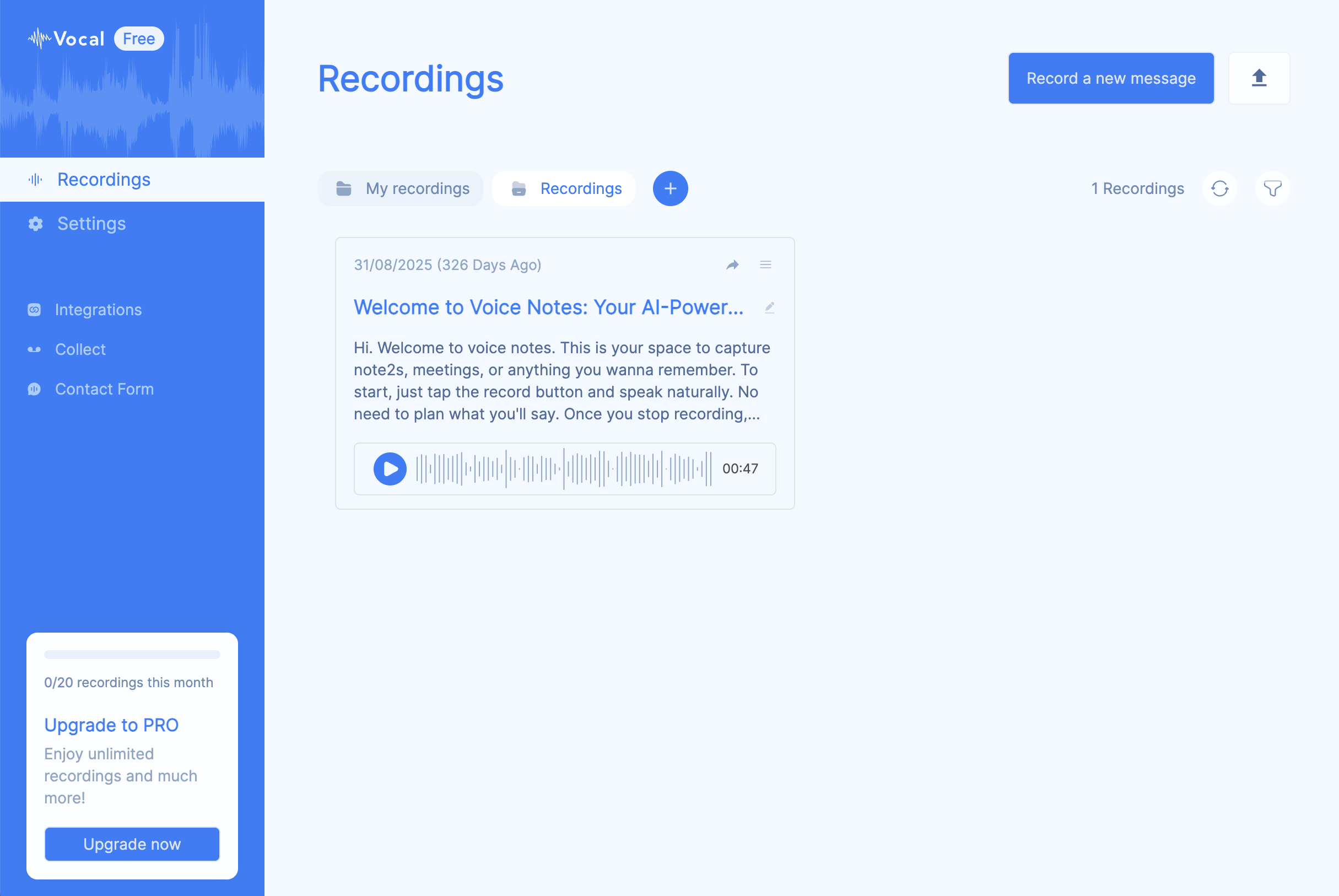
Both start with a recorded voice. What happens next is different. Vocal is built to get your voice to another person: recorded inside Gmail or Outlook and delivered as an mp3 or link, no install needed on their end. SendMyVoice is built to turn your voice into structured notes and data in your own workspace: its email option sends an AI summary of what you said, not the recording itself.
The core difference
People search for a Vocal alternative for a specific reason: they want to send someone a voice message without asking that person to install anything. Vocal does that well: a Chrome extension and Google Workspace add-on let you record right inside Gmail or Outlook, and the recipient just opens an email.
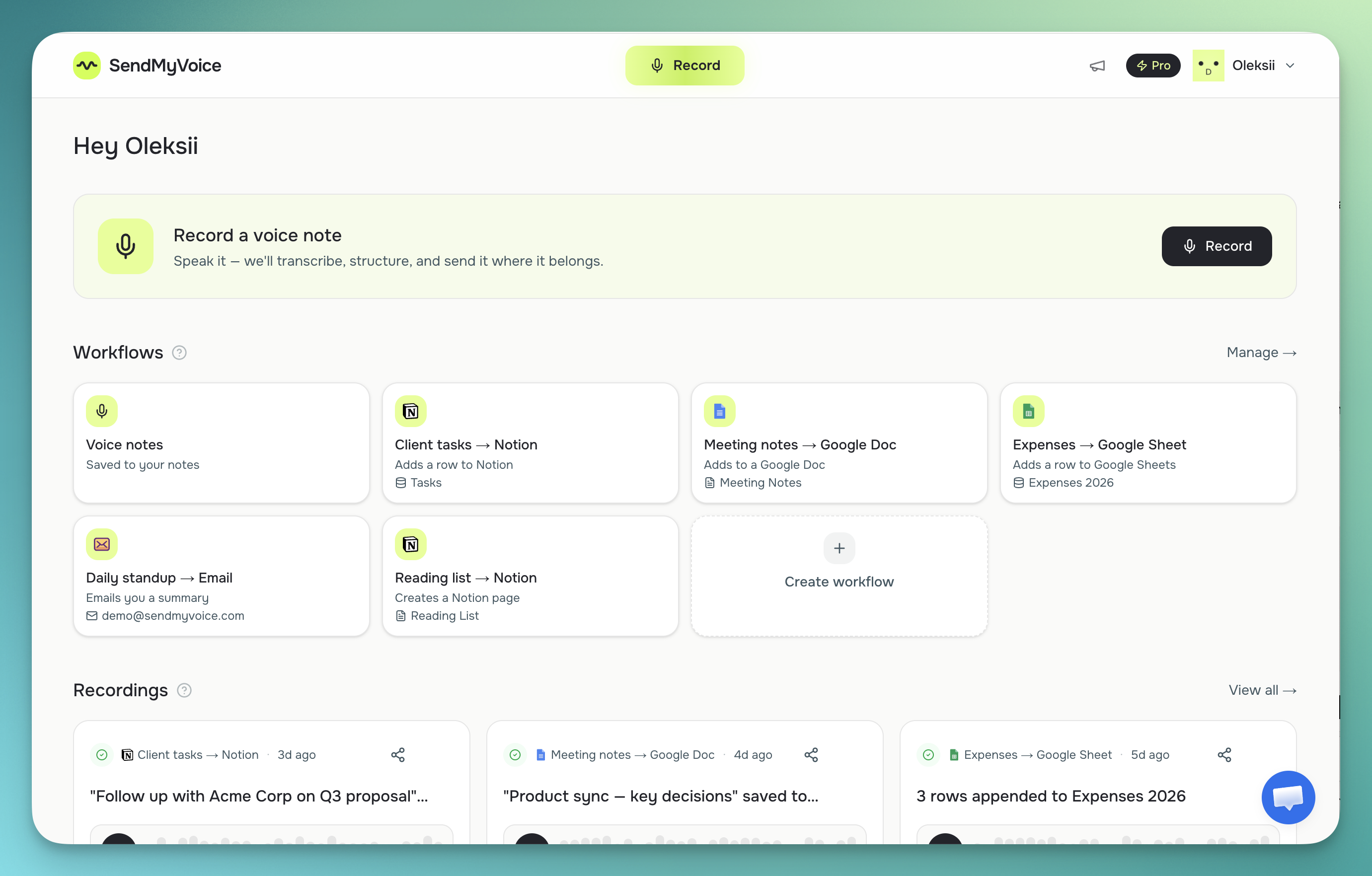
SendMyVoice solves a different problem. It's not built for sending a clip to one person: it's built for turning what you said into a record somewhere you already work: a Notion database row, a Google Sheets row, a Google Doc, or a summary email. Even SendMyVoice's email destination doesn't behave like Vocal's: it sends an AI-cleaned summary of your note, not the raw audio file.
“Follow up with Acme Corp about the Q3 proposal, mark it high priority, and log the $240 software expense: due next Friday.”
Follow-up on the Acme Corp Q3 proposal, flagged high priority, with a $240 software expense to record.
| Feature | SendMyVoice | Vocal |
|---|---|---|
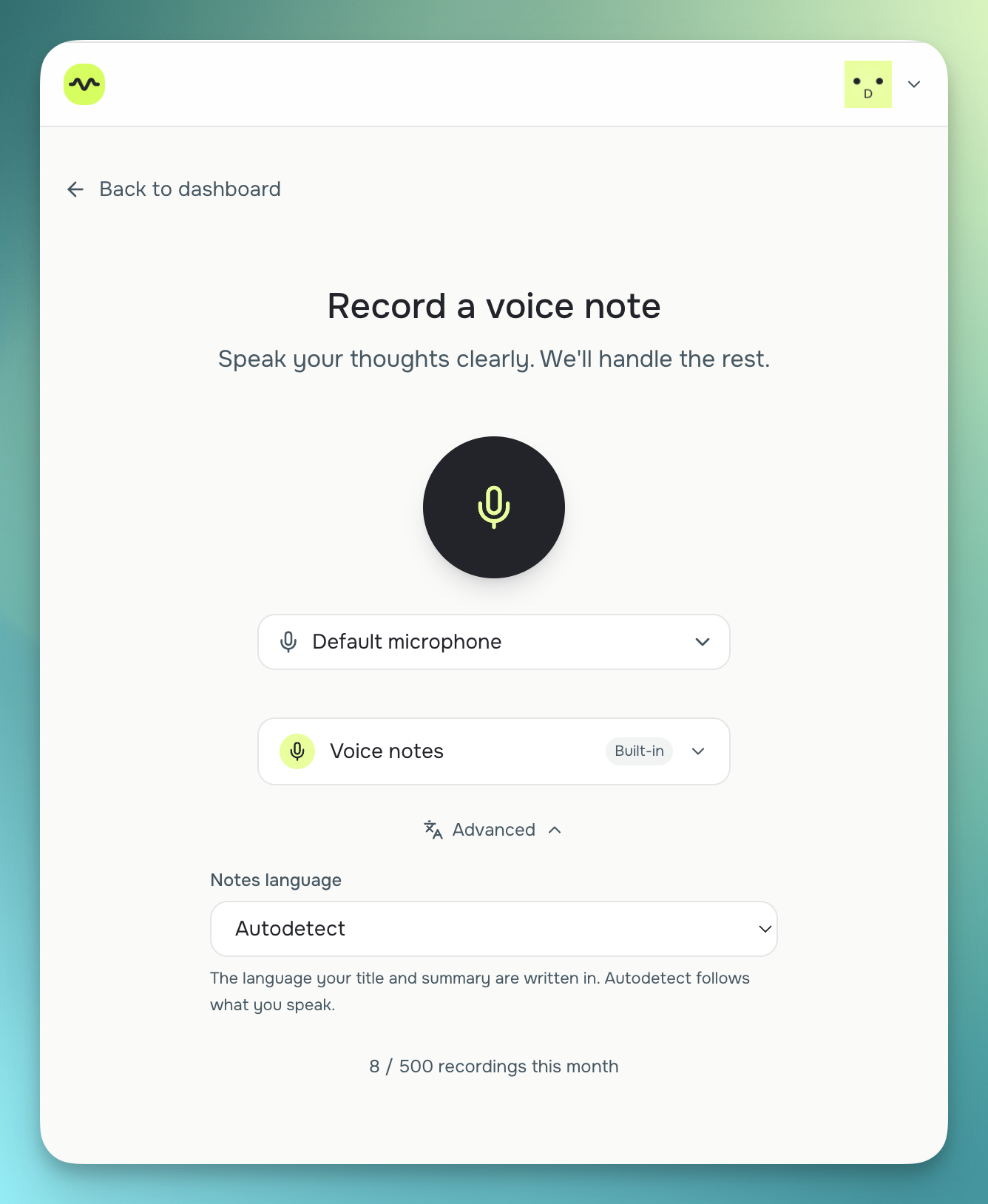
| Capture | Installable web app (PWA): record from your phone or laptop browser | Record inside Gmail or Outlook via a Chrome extension or Workspace add-on |
| Output / destination | Store your voice notes, share them as a link, or send directly to Notion, Google Docs, Google Sheets, or email | An mp3 attachment or playable link, sent straight to a recipient's inbox |
| Where it lives | In your own Notion, Sheets, Docs, or inbox | In the email thread, as an attachment or link |
| Transcription | Always on: AI transcript and summary produced for every recording | Transcription and translation are Premium-only features (per their site) |
| Sharing | Any recording can be shared as a listen-only link, pasted into an email as a play button, or embedded on your own website | Sending itself is the sharing mechanism: a recipient gets the clip by email |
| Platforms | Installable web app (PWA): any browser, installs to your home screen | Chrome extension, Google Workspace add-on (Gmail, Outlook) |
| Price (as of mid-2026) | Free (10 recordings/mo); Pro $6/mo | Free plan (unlimited messages); Premium ~$20+/mo per user (per public reports) |
Where Vocal is the better fit
If you mainly want to reply to people: colleagues, clients, friends: with your voice instead of typing, and have it show up in their Gmail or Outlook inbox as an actual audio clip, Vocal is the right tool. Recording directly inside your email client, with no separate app or workflow to set up, is something SendMyVoice doesn't offer. Vocal's free plan also supports unlimited messages, which is generous for pure send-a-clip use.
Where SendMyVoice fits
SendMyVoice fits when the point of the recording isn't to reach one person, but to become a piece of organized information: a task logged in Notion, a new line in a budget spreadsheet, a draft in a Doc, or a clean summary sent to your own inbox. If you find yourself talking out loud because typing is slow, and what you actually want at the end is a record you can find later, that's the gap SendMyVoice fills. Read more about sending voice notes by email or the full guide to sending a voice message by email.
“Hey, quick update on the proposal. I'll send the revised numbers over by Friday…”
Frequently asked questions
Is SendMyVoice a Vocal alternative?
Only partly. Vocal is built for sending a voice message to a person, recorded directly inside Gmail or Outlook. SendMyVoice is built for turning a voice note into structured records: a Notion row, a Sheets row, a Doc, or an email summary. If you mainly want to reply to people with your voice inside Gmail, Vocal fits. If you want your spoken notes to become organized records in tools you already use, SendMyVoice fits.
Can SendMyVoice send a raw voice recording by email like Vocal?
No. SendMyVoice's email workflow sends an AI-generated summary or transcript of what you said, not the raw audio clip. Vocal sends the actual recording as an mp3 attachment or a playable link. Any SendMyVoice recording can also be shared as a public, listen-only link, but that's a share link to a recording in your dashboard, not an email attachment.
Does SendMyVoice work inside Gmail like Vocal?
No. Vocal has a Chrome extension and Google Workspace add-on that let you record and send a voice message from directly inside Gmail or Outlook. SendMyVoice is a separate installable web app (PWA): you record there, and the result is delivered to Notion, Sheets, Docs, or email afterward.
Which one should I use?
If you want to reply to an email with your voice instead of typing, and have that message land in someone's inbox as an actual recording, Vocal is built for that. If you want a voice note to turn into an organized Notion row, a Sheets row, a Doc, or a written summary email, SendMyVoice is built for that instead.
Comparison based on publicly available information as of July 2026; check each product's site for current details.