SendMyVoice vs Vocaroo: a Vocaroo alternative
 SendMyVoicevs
 Vocaroo
“Follow up with the client, then log the expense”
Vocaroo is a free, no-signup online voice recorder: press record, and you get a shareable link and a QR code, with an optional download. It's minimal on purpose, and for a quick clip that's exactly what you want. SendMyVoice does the same share-a-voice-recording-online job, then adds the controls people reach for when a recording matters more: choosing when the link expires, adding an optional password, embedding a clean player on your own site, and getting a transcript. If you want those, it's a fair Vocaroo alternative; if you don't, Vocaroo is great as is.

Why people look for a Vocaroo alternative
Vocaroo has earned its reputation as one of the simplest ways to record and share audio. As of mid-2026, per their site, you record straight in the browser with no account, get a link and a QR code to share, and can download the file if you want it. That simplicity is the whole point, and it's why it's so widely recommended.
People start comparing sites like Vocaroo for a few concrete reasons: they want to control how long a shared link stays live, put a password on a recording that isn't meant for everyone, embed a tidy player on their own website, or get the words as text. Those are the specific gaps that lead someone from a plain online voice recorder to a Vocaroo alternative like SendMyVoice.
“Hey, quick update on the proposal. I'll send the revised numbers over by Friday…”
| Feature | SendMyVoice | Vocaroo |
|---|---|---|
| Record | Free share tool records or uploads in the browser, no account needed; installable web app (PWA) for signed-in workflows | Free online voice recorder in the browser, no signup |
| Share | Listen-only link plus a QR code | Shareable link plus a QR code |
| Link expiry | Choose when the link expires, or keep it permanent | Links are kept for a fixed period (per their site) |
| Password protection | Optional password on a shared recording | — |
| Embeddable player | Clean player you can embed on your own website | Basic embed available (per their site) |
| Transcription | AI transcription (Whisper) with an optional summary | — |
| Send to apps | Signed in: deliver to Notion, Google Docs, Google Sheets, or email | — |
| Download | Owner can download; shared links are listen-only by default | Optional download of the recording |
| Price (as of mid-2026) | Free share tool; Pro $6/mo for workflows | Free (per their site) |
Where Vocaroo fits
If all you need is to record something quickly and hand someone a link, Vocaroo is hard to beat. No account, nothing to install, nothing to configure: record, copy the link or show the QR code, done. For a one-off message, a quick pronunciation clip, or anything you don't need to keep or control afterward, that dead-simple flow is a genuine advantage, and adding more features would only get in the way.
Where SendMyVoice fits
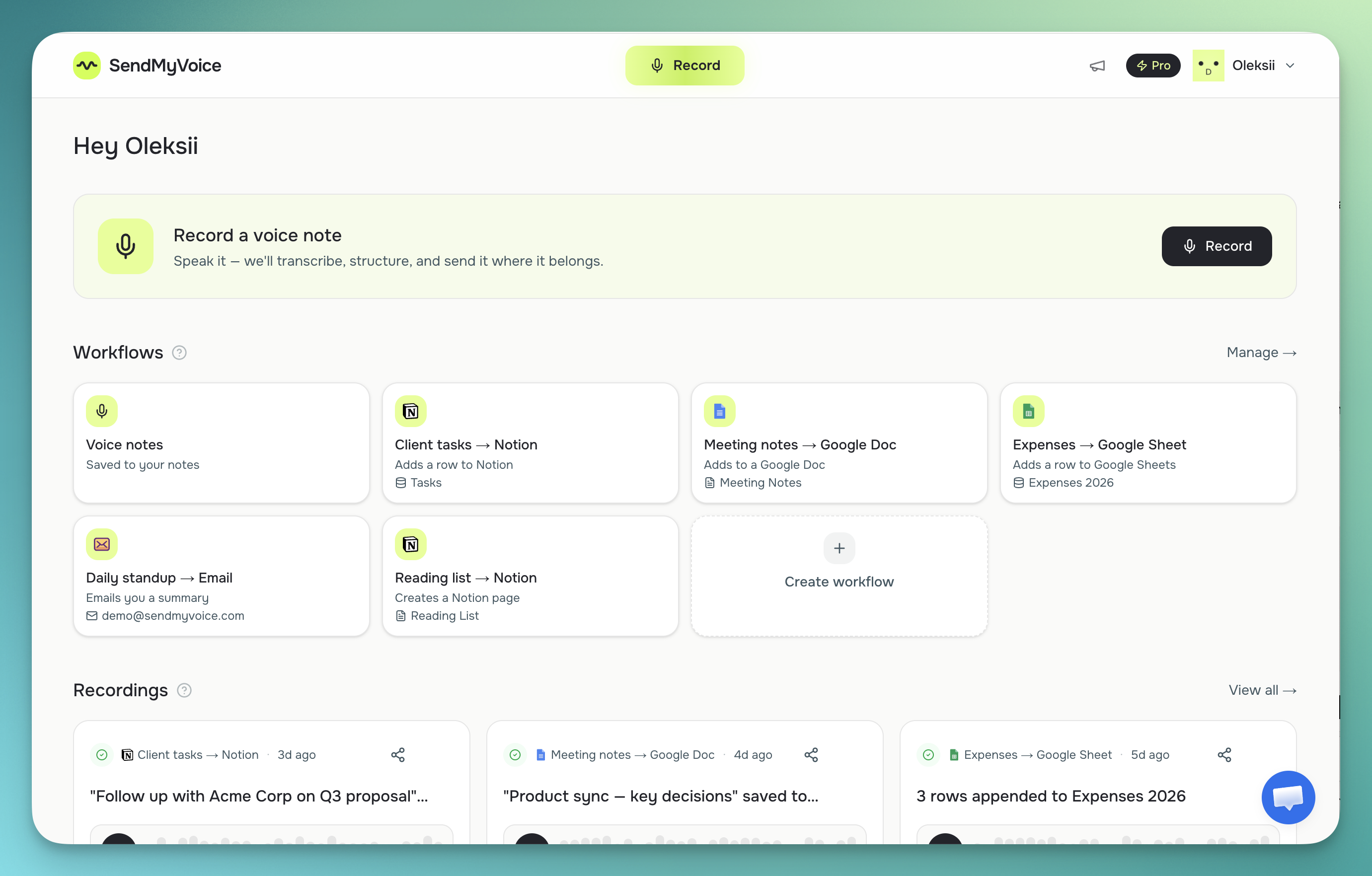
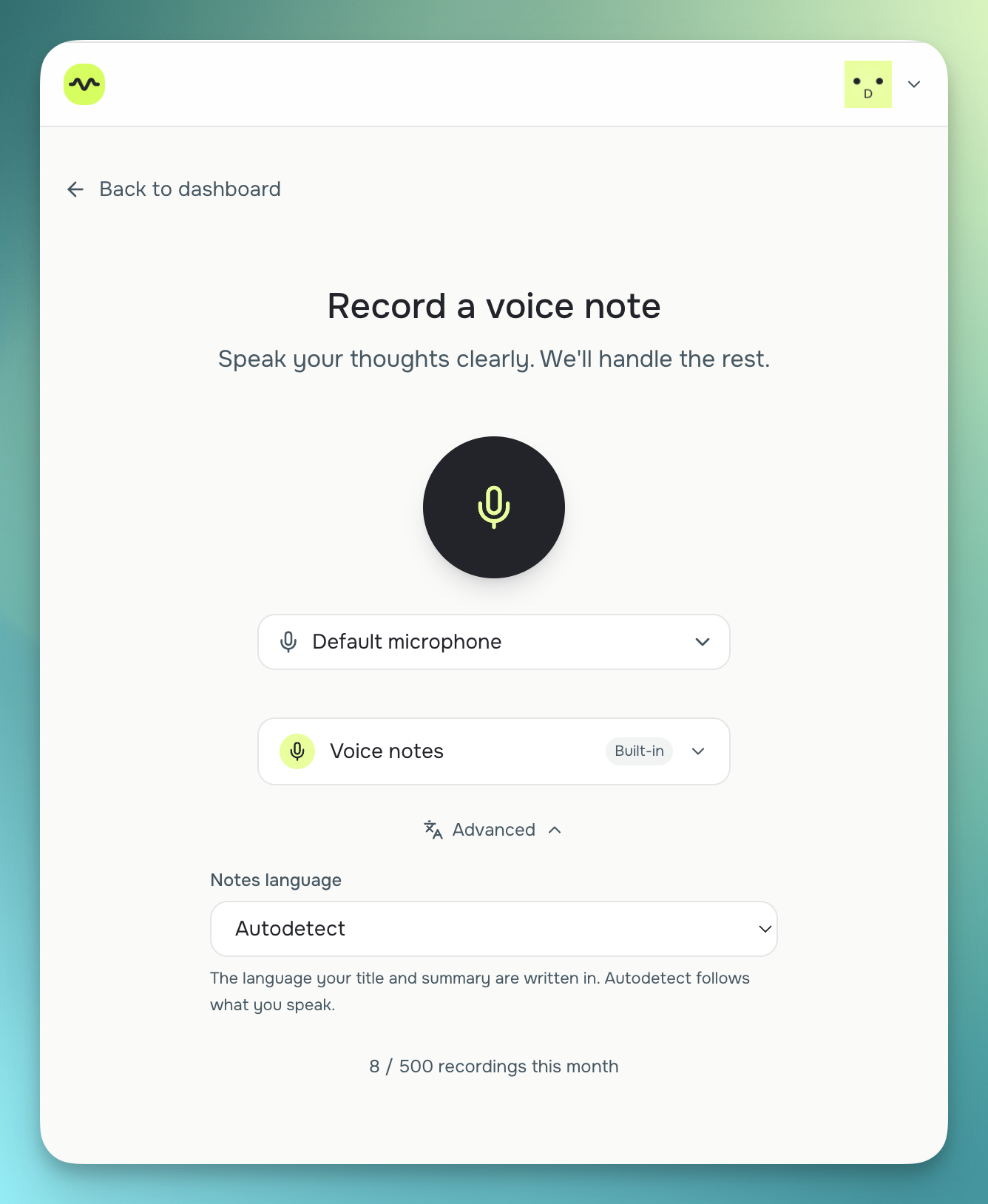
SendMyVoice fits when you want more say over the recording you share. Its free share tool works without an account, the same as Vocaroo, and gives you a listen-only link and a QR code, but you can also choose when the link expires, add an optional password, and embed a clean player on your own website. Recordings can be transcribed with Whisper, so you get the words as text alongside the audio. And if you sign in, the same recording can be delivered to Notion, Google Docs, Google Sheets, or sent as an email summary, a different job than Vocaroo sets out to do. If you just want the no-account version, start with the free voice message share tool.
“Follow up with Acme Corp about the Q3 proposal, mark it high priority, and log the $240 software expense: due next Friday.”
Follow-up on the Acme Corp Q3 proposal, flagged high priority, with a $240 software expense to record.
Frequently asked questions
Is SendMyVoice a good Vocaroo alternative?
For most quick recordings, Vocaroo is hard to beat: it's a free online voice recorder with no signup that gives you a shareable link and a QR code in a couple of clicks. SendMyVoice is the closer fit when you want more control over that shared recording: setting when the link expires, adding an optional password, embedding a clean player on your own site, or getting a transcript. Its free share tool works without an account too, so it's a fair Vocaroo alternative when you need those extras rather than the absolute simplest path.
What are the main differences between Vocaroo and SendMyVoice?
Vocaroo keeps things minimal on purpose: record, get a link and a QR code, optionally download the file. SendMyVoice covers the same share-a-recording job but adds control over link expiry, optional password protection, a clean embeddable player for websites, and transcription. If you sign in, the same recording can also be delivered to Notion, Google Docs, or Google Sheets, or sent as an email summary, which is beyond what Vocaroo is built to do.
Can I share a voice recording online without an account, like Vocaroo?
Yes. SendMyVoice has a free share tool that works without signing in: record or upload, and you get a listen-only link plus a QR code, the same core flow Vocaroo offers. The difference is the controls around it: you can choose when the link expires and add an optional password. Creating an account is only needed for transcription and for delivering recordings to Notion, Google Docs, Google Sheets, or email.
Does Vocaroo transcribe recordings?
Vocaroo is a recorder and sharing tool: it gives you a shareable link and an optional download, not a transcript. SendMyVoice transcribes recordings (using Whisper) and can also produce a short summary, so if you want the spoken words as text alongside the audio, that's one of the main reasons people look at sites like Vocaroo and end up choosing SendMyVoice instead.
Comparison based on publicly available information as of July 2026, per Vocaroo's site; check each product's site for current details, especially pricing.