SpeakPipe alternative
 SendMyVoicevs
 SpeakPipe
“Follow up with the client, then log the expense”
SpeakPipe's free plan takes voicemail on your website, one message at a time, up to 90 seconds.
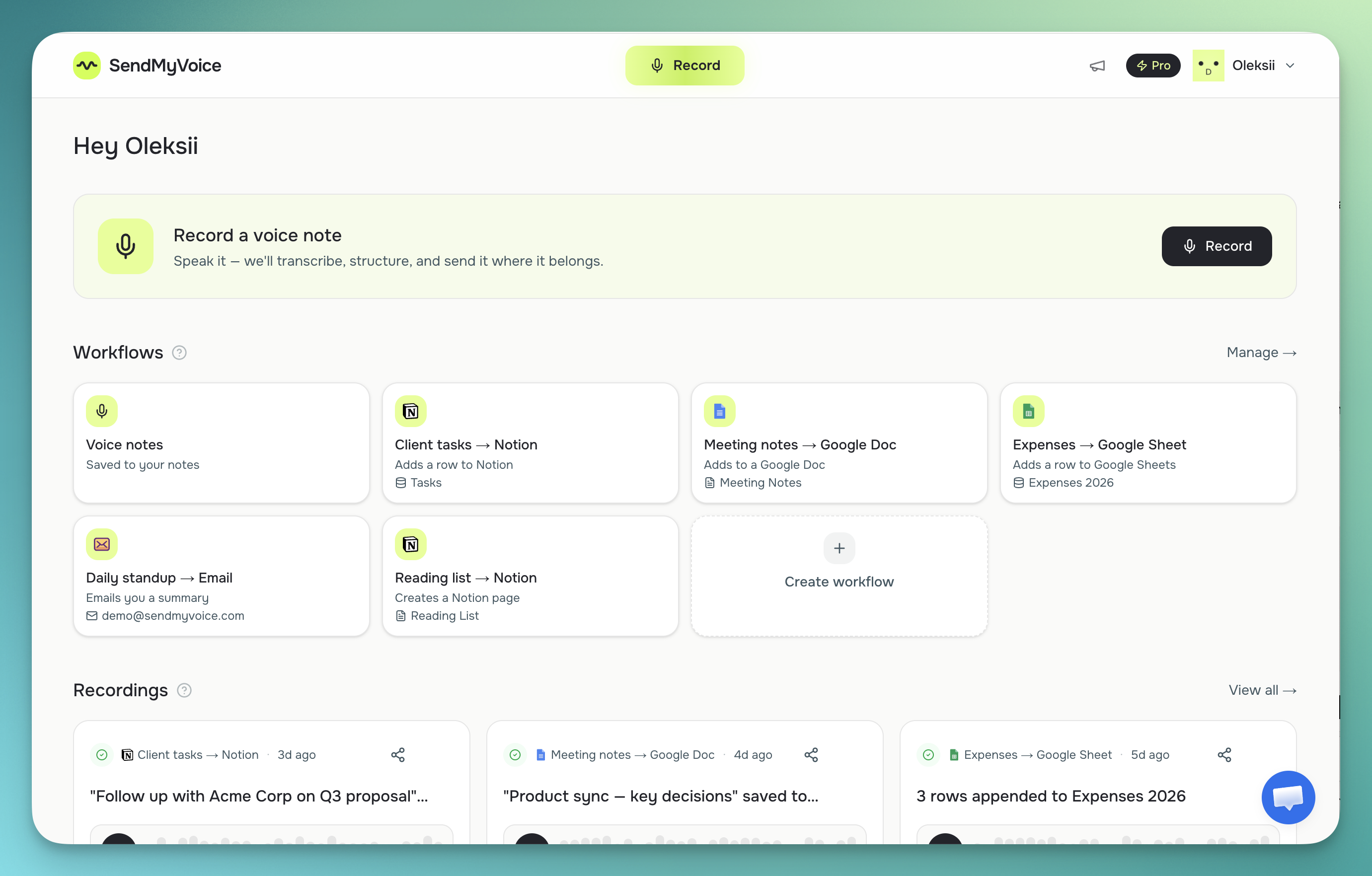
SendMyVoice takes voice messages and answers to up to 8 questions, by link or on your website (Pro), with a transcript of each.
Free plan, no account to answer.
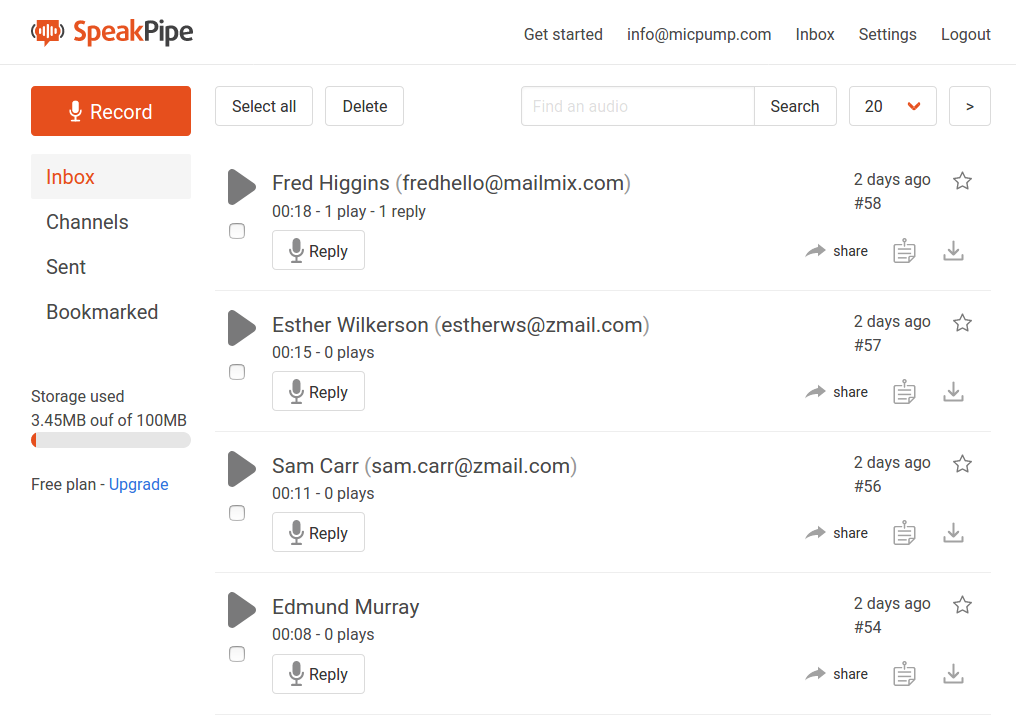
Looking for the SpeakPipe free voice recorder?
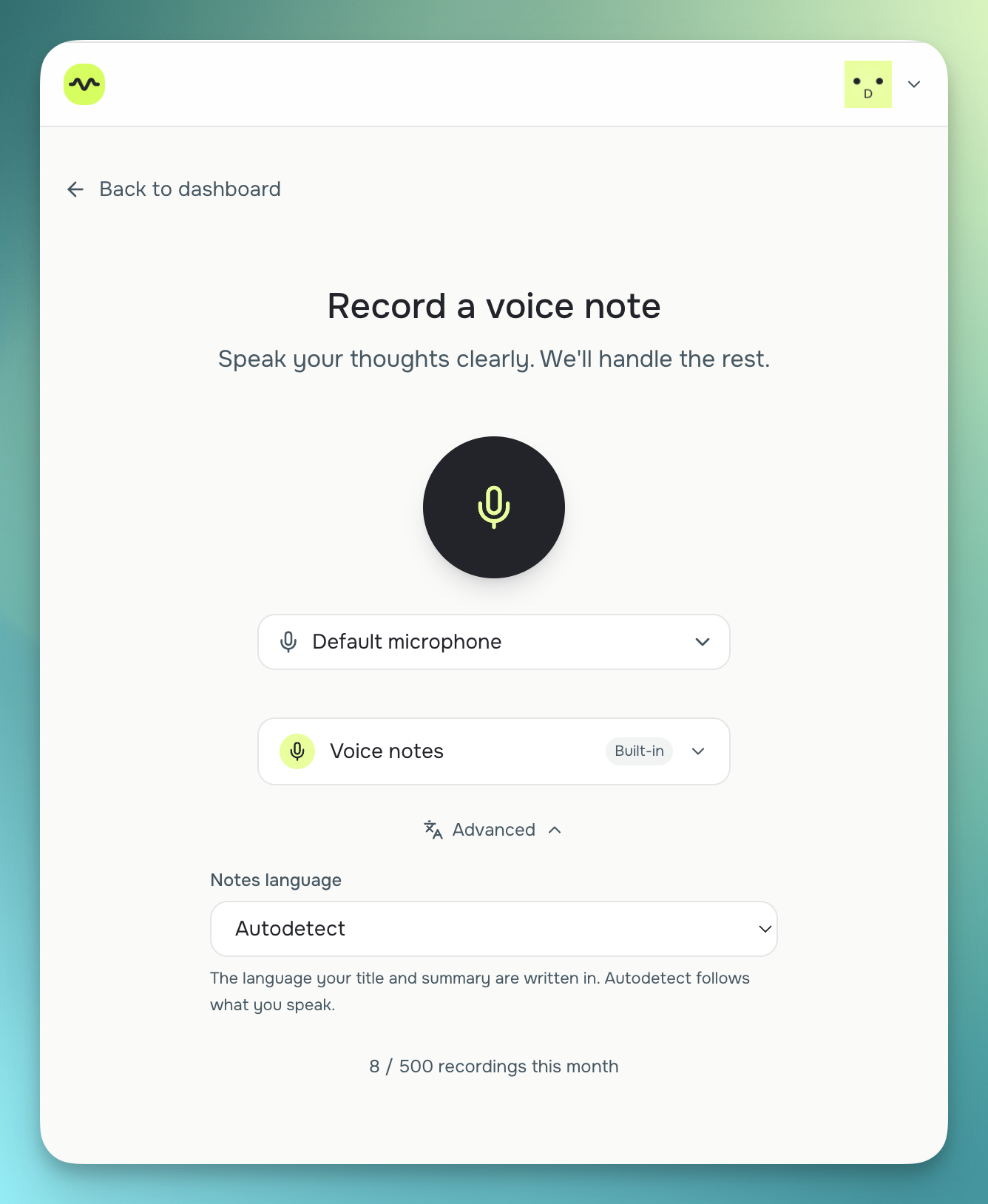
SpeakPipe offers a free browser voice recorder at speakpipe.com/voice-recorder. If that's what you were after, SendMyVoice has two free options, no signup required. Record and share a link straight from the browser at /send-online-voice-message, or record, trim, and download the file as MP3 or WAV at /tools/audio-recorder.
Questions, not only a voicemail box
A voicemail box gets whatever people think to say. A SendMyVoice voice form asks your questions in order and files each answer under its question.
A form can also ask for a name and email, take text answers or a choice from a list, and close after a set number of answers or on a date.
Transcripts in your own tools
Voicemail in an inbox gets played one message at a time. SendMyVoice transcribes every answer, and on Pro sends each set of answers to Notion, Google Sheets, Google Docs or an email.
For podcasts
Emailed listener questions can't be played on the show. One public link in your show notes takes questions as audio, with a transcript of each.
“Hey, quick update on the proposal. I'll send the revised numbers over by Friday…”
| Feature | SendMyVoice | SpeakPipe |
|---|---|---|
| Main job | Collect spoken answers to your questions (voice forms), send voice messages as links, and turn your own voice notes into Notion, Docs, Sheets or email | Take voice messages on your website through a voicemail widget or page, and send a voice message via a link |
| Website widget | Voice form widget on the websites you list (Pro) | Voicemail widget for your website (its core feature) |
| Questions | Up to 3 on Free, 8 on Pro, answered by voice, text or a choice from a list | One open message |
| Length per message | Up to 1 min per answer on Free, 5 min on Pro | 90 s on Free, 5 min on Gold, 10 min on Premium |
| Messages per month | 10 answers on Free, 300 on Pro | Unlimited on Free (per their plans page) |
| Account to answer | None | None for a visitor leaving a message (per their site) |
| Transcription | Every answer and voice note, in 100+ languages | Voicemail transcription on paid plans (per their site) |
| Delivery to other tools | Notion, Google Docs, Google Sheets or email (Pro for voice forms) | SpeakPipe inbox and email (per their site) |
| Sending a voice message | Free share tool: a link with expiry, an optional password and a QR code, no signup | Send a voice message via a link (per their site) |
| Price (October 2026) | Free plan; Pro $6/mo | Free; Gold $15/mo; Premium $45/mo |
Where SpeakPipe fits
SpeakPipe allows longer recordings: 5 minutes on Gold ($15 a month) and 10 minutes on Premium ($45 a month), against 5 minutes per answer on SendMyVoice Pro. Its free plan also takes unlimited messages, where SendMyVoice Free takes 10 answers a month. For long voicemails in one inbox, SpeakPipe is the closer fit.
Where SendMyVoice fits
SendMyVoice fits when you want answers to specific questions, a transcript of each, and the answers in Notion, Sheets, Docs or email. Templates for client intake, testimonials and feedback are on the templates page.
It also sends voice messages. The free share tool records or uploads a clip and gives you a link with an expiry, an optional password and a QR code.
“Follow up with Acme Corp about the Q3 proposal, mark it high priority, and log the $240 software expense: due next Friday.”
Follow-up on the Acme Corp Q3 proposal, flagged high priority, with a $240 software expense to record.
Frequently asked questions
Is SendMyVoice a SpeakPipe alternative?
Yes, for collecting voice messages and for sending them. SendMyVoice voice forms take spoken answers through a public link, or a widget on your website on Pro. The free share tool sends a voice message as a link. SpeakPipe Premium allows longer messages: 10 minutes, against 5 minutes per answer on SendMyVoice Pro.
Does SendMyVoice have a widget for receiving voice messages on a website?
Yes, on Pro. A voice form works as a widget on the websites you list, and people answer without an account. Unlike a voicemail box, it can ask several questions and file each answer under its question.
Does SendMyVoice transcribe voice messages?
Yes. Every spoken answer gets a transcript, in 100+ languages. On Pro, answers can also go to Notion, Google Sheets, Google Docs or an email.
Do senders need to sign up to send a voice message online with SendMyVoice?
No. On the free share tool you record or upload a clip and get a link without an account. You can set when the link expires, add a password and make a QR code. The people listening need no account either.
Can I embed SendMyVoice on my own website?
Yes, two ways. Any recording you made can go on your site as a player, and on Pro a voice form can go on your site as a widget that takes voice messages from visitors.
Based on SpeakPipe's public site and plans page, October 2026. Check each product's site for current details, especially pricing.
Try SendMyVoice
Collect voice messages with a voice form, or send one as a link. Free plan, no account to answer or listen.