
Send a Voice Message in Gmail
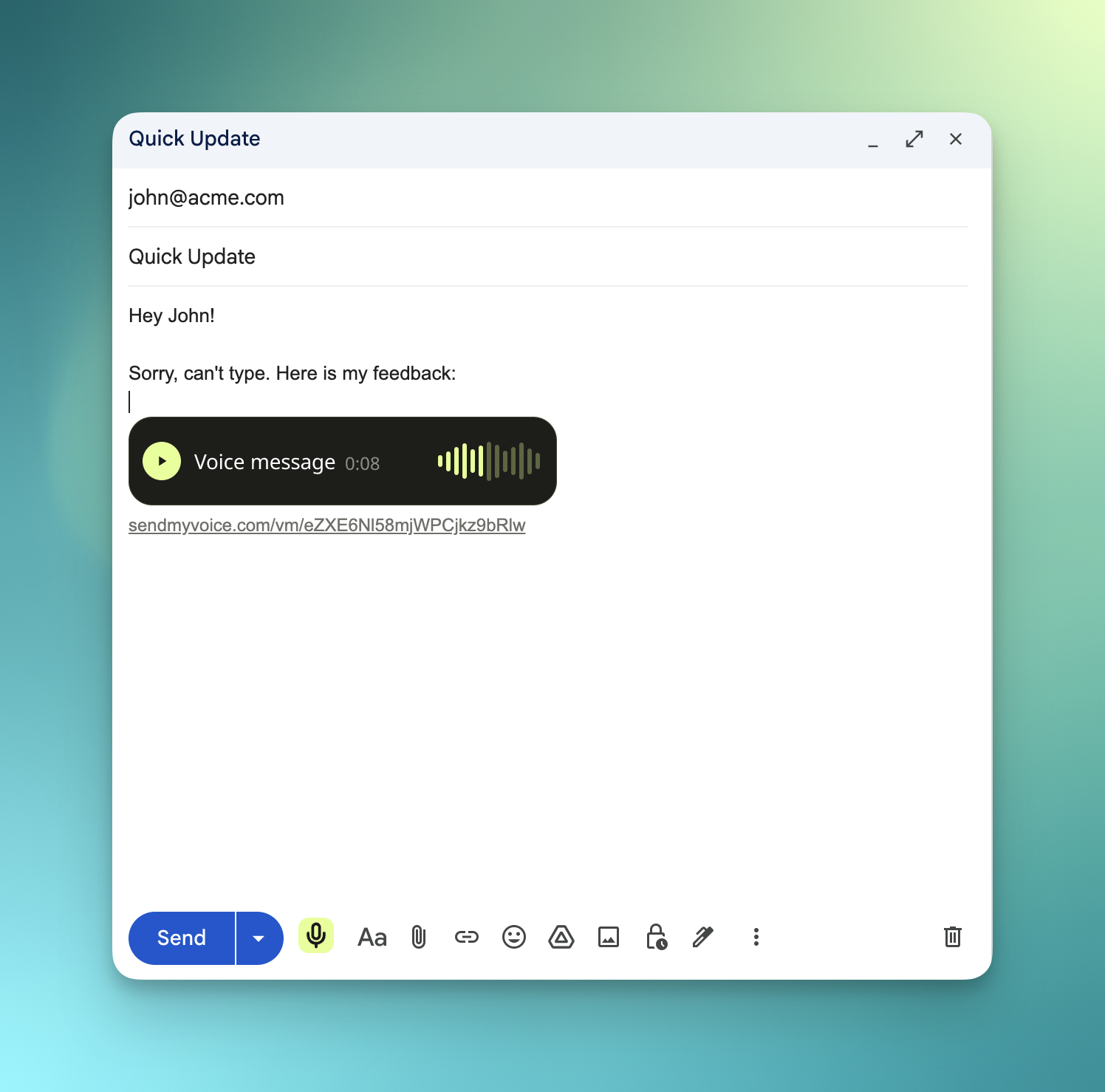
Click the mic in the Gmail compose window, record, and a play button goes into your email. Your recipient listens in the browser, with the transcript below.
Free for 10 voice messages a month. Chrome and Edge.
How to send a voice message in Gmail
- 1
Add the extension to Chrome or Edge
Sign in with Google or your email. A free SendMyVoice account is enough.
- 2
Click the mic in the compose window
Open a new email or a reply in Gmail. The mic sits next to the Send button at the bottom of the draft.
- 3
Record and send
Click Record for your email in the side panel, talk, then stop. A play button with the length of your message goes into the draft, where your cursor was.
What your recipient hears
Your recipient clicks play and the recording opens on a listen page, on a phone or a computer. The transcript sits under the player, for anyone who'd rather read. There's nothing to download and no account to create.
“Hey, quick update on the proposal. I'll send the revised numbers over by Friday…”
Gmail voice message options compared
You can attach a recording from your phone, or record inside Gmail with an extension like Vocal or SendMyVoice. Vocal also works in Outlook. See SendMyVoice vs Vocal.
| Attach a file | Vocal | SendMyVoice | |
|---|---|---|---|
| Record inside Gmail | No, record on your phone first | Yes | Yes |
| What the recipient gets | An audio file to download | An mp3 attachment or a link | A play button that opens in the browser |
| Transcript | No | Premium plans | Every plan |
| Outlook | Yes | Yes | No |
| Free plan | Free | Unlimited messages | 10 messages a month, up to 3 minutes |
Send one without the extension
On a phone, or in Outlook, record on our free page to send a voice message online, copy the link and paste it into your email. No account needed. For attaching a voice memo from an iPhone or Android, see how to send a voice message by email.
Questions
Can you send a voice message in Gmail?+
Gmail has no voice message button of its own. With the SendMyVoice extension for Chrome or Edge, a mic button appears in the Gmail compose toolbar. Click it, record, and a play button goes into your email. Without an extension, record a voice memo on your phone and attach the file.
Is it free?+
Yes. The Free plan includes 10 recordings a month, up to 3 minutes each, and each voice message in Gmail counts as one recording. Pro is $6 a month for 500 recordings of up to 20 minutes each.
Does the recipient need an app or an account?+
No. The play button opens the recording in the browser on a phone or computer, with the transcript below. There's nothing to download.
Does it work in Outlook or the Gmail app on my phone?+
No. The mic button works in Gmail in Chrome and Edge on a computer. On your phone, record in the SendMyVoice web app, share the recording as a link and paste the link into any email.
How long can a voice message be?+
Up to 3 minutes on the Free plan and up to 20 minutes on Pro.
Can I delete a voice message after sending it?+
Yes. Delete the recording in your SendMyVoice dashboard and the link in the email stops playing.
Is there a transcript?+
Yes. Every voice message is transcribed, and the transcript shows under the player when your recipient opens it. You also keep the recording and transcript in your dashboard.
Add the mic to Gmail
The same extension sends voice notes to Notion, Google Docs and Google Sheets. See the extension