
11 min readOleksii Sribnyi
Best voice form tools in 2026
Written forms get short answers, and most form builders can't record a spoken one.
Nine tools that take answers by voice, compared on what each one is for, its limits and its price.
A voice form is a list of questions answered out loud instead of typed. The tool keeps each answer as audio, and most of them write out a transcript. Some ask several questions in order; others take one open message. A few form builders add voice as one question type among many.
SendMyVoice is our product, so it comes first. Everything about the other eight tools comes from their own websites and help pages, linked under each one.
| Tool | Answers by | Questions | Transcripts | Free plan | Paid from |
|---|---|---|---|---|---|
 SendMyVoice SendMyVoice | Voice, plus text and dropdown fields | 3 free, 8 on Pro | Yes, with the audio | 1 form, 10 answers a month | $6/mo |
 Please Ramble Please Ramble | Voice | Up to 8 | Yes; the recording isn't kept | 1 form, 3 responses | $24/mo yearly, $29 monthly |
 Memodrop Memodrop | Voice | 1 prompt per project | Yes, with a summary | 1-minute memos, kept 7 days | $5.75/mo |
 Voiceform Voiceform | Voice, video or text | Full survey builder | Yes, with translation | Free trial | Not listed |
 VideoAsk VideoAsk | Video, audio or text | 3 steps free, unlimited paid | Yes | 20 min of video or audio a month | €22/mo yearly |
 Typeform Typeform | Video, audio or text | Unlimited | Yes | No audio answers | $119/mo yearly (Talent) |
 Jotform Jotform | Voice Recorder widget | Any Jotform form | Not mentioned | 100 submissions a month | $34/mo yearly (Bronze) |
 SpeakPipe SpeakPipe | Voice message | 1 message | Not mentioned | 90-second messages, 1 widget | $12/mo yearly (Gold) |
 Google Forms Google Forms | File upload of a recording | Any form | No | Free, Google sign-in to upload | Free |
Several questions, answered by voice
- SendMyVoiceaudio and transcript per question
- Please Rambletranscripts only
- Voiceformresearch surveys
One open prompt
- Memodropvoice memos per project
- SpeakPipewebsite voicemail
A form or video tool with a voice option
- VideoAskvideo first
- TypeformGrowth and Talent plans
- JotformVoice Recorder widget
- Google Formsfile upload only
1. SendMyVoice
SendMyVoice is a voice form: up to 8 questions answered out loud, with the audio and a transcript of each answer. Each person gets a private link, or you share one public link with a cap on answers. A form can also have text and dropdown fields, and a question you record yourself.
On Pro, each set of answers can go to Notion, Google Sheets, Google Docs or an email, and the form can sit on your website as a widget. Answers are transcribed in 100+ languages, in the language they were spoken.
- Fits
- Asking clients, customers or students a few questions, with answers you can play and search
- Free
- 1 voice form, 3 questions, 10 answers a month, up to 1 minute per answer
- Pro
- $6/mo: 50 voice forms, 8 questions each, 200 answers a month, 5 minutes per answer
- Limits
- No video answers, no branching logic, no AI follow-up questions
Creative brief
Six questions for the brief. Talk it through as you would on a call, there are no wrong answers.
A working demo. Recordings stay in your browser and nothing is sent.
2. Please Ramble
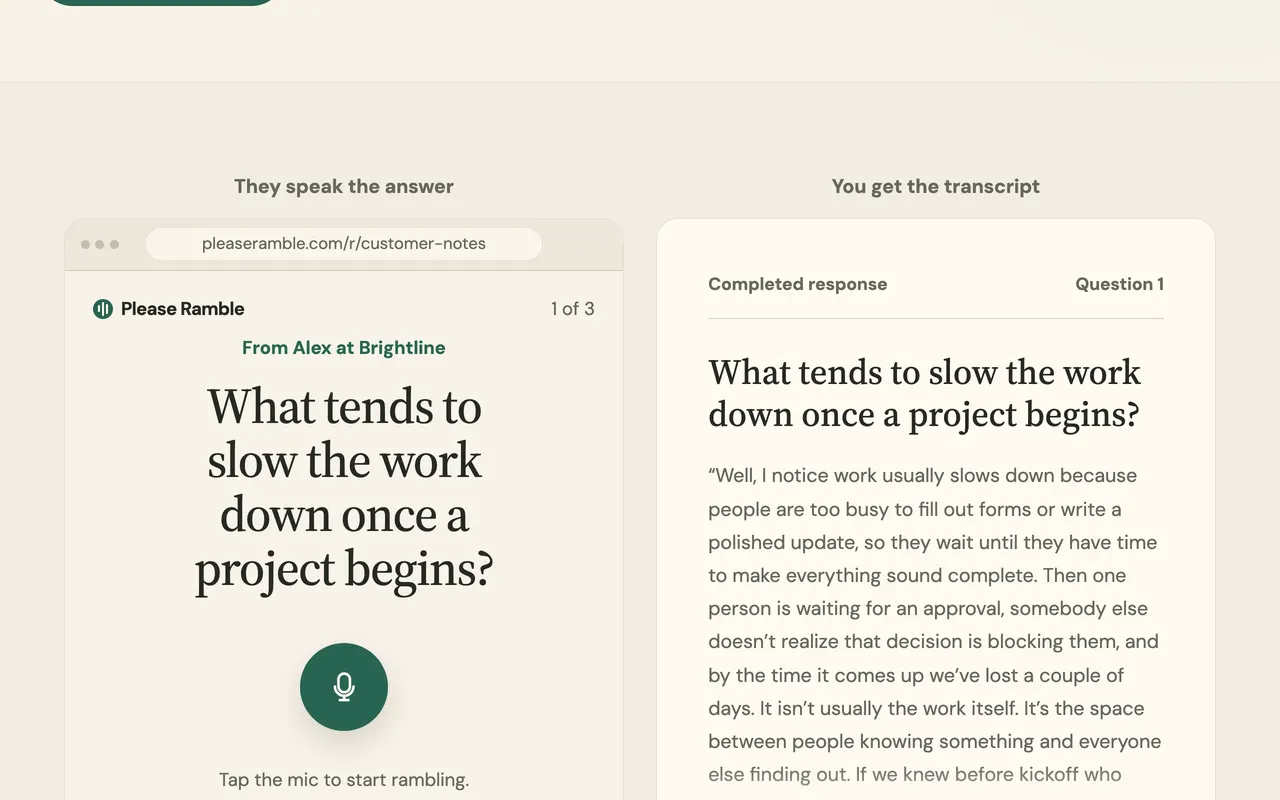
Please Ramble is a voice form with up to 8 questions and one link for everyone who answers. Each answer comes back as a transcript, organized under the question it answers.
Please Ramble transcribes the audio and doesn't keep the recording. That suits answers where only the words matter, and rules it out when you want to play an answer back or publish it.
- Fits
- Long spoken answers where only the text matters
- Free
- One live form, up to 3 completed responses
- Pro
- $29/mo, or $24/mo paid yearly: unlimited forms and responses
- Limits
- The recording isn't kept, so answers can't be played back
3. Memodrop
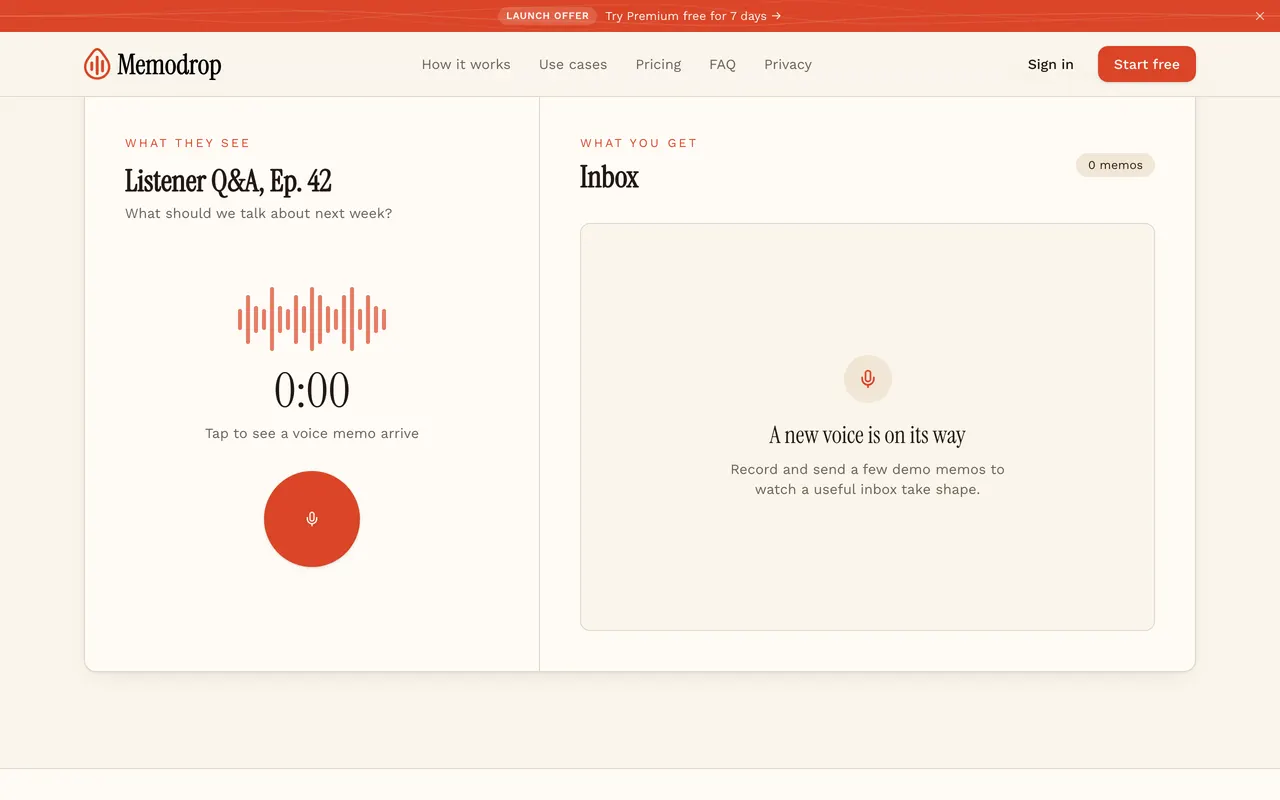
Memodrop gives you one link per project that collects voice memos, with a transcript, a title and a one-line summary of each. Its own use cases are podcasts, voice testimonials, customer feedback and events.
Each project asks one open prompt rather than a list of questions. On the free plan, memos are hidden after 7 days and deleted 30 days later.
- Fits
- One open prompt to many people, like listener questions
- Free
- 5 projects, 50 memos per project, 1 minute per memo, kept 7 days
- Premium
- $5.75/mo or $69/yr: unlimited projects, 10-minute memos, memos kept while subscribed
- Limits
- One prompt per project
4. Voiceform
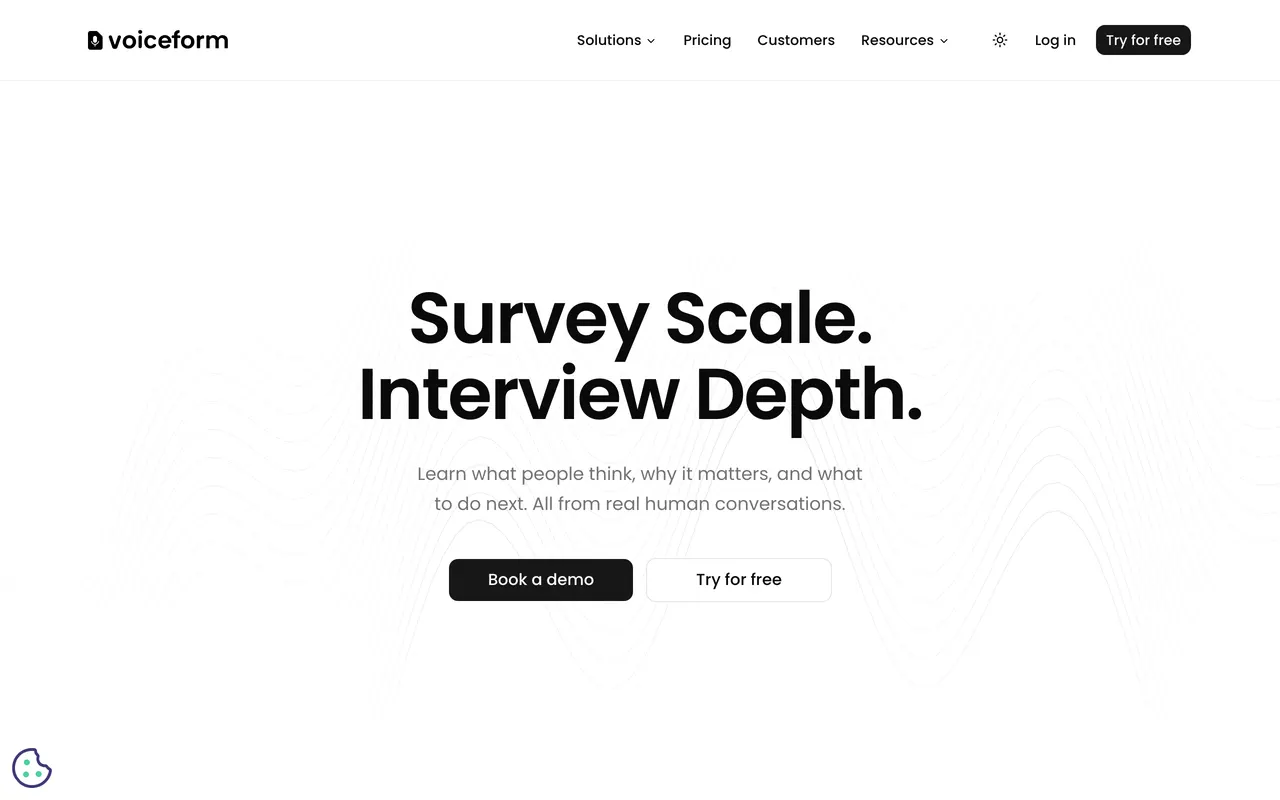
Voiceform is a survey platform for research teams. Surveys mix voice, video and text answers with the usual survey questions (multiple choice, NPS, rating scales), and AI follow-up questions dig into an answer.
The Lite plan includes 200 answers a month, 40 AI follow-ups a month and 2 minutes 30 seconds of recording per question. Voiceform doesn't list prices: there's a free trial, and larger plans are set up on a call.
- Fits
- Research surveys with many respondents, logic and analysis
- Lite
- 200 answers a month, 2:30 per recorded answer, AI transcription and translation
- Price
- Not listed; free trial, then a custom plan
- Limits
- Built for research teams rather than a few questions to a client
5. VideoAsk
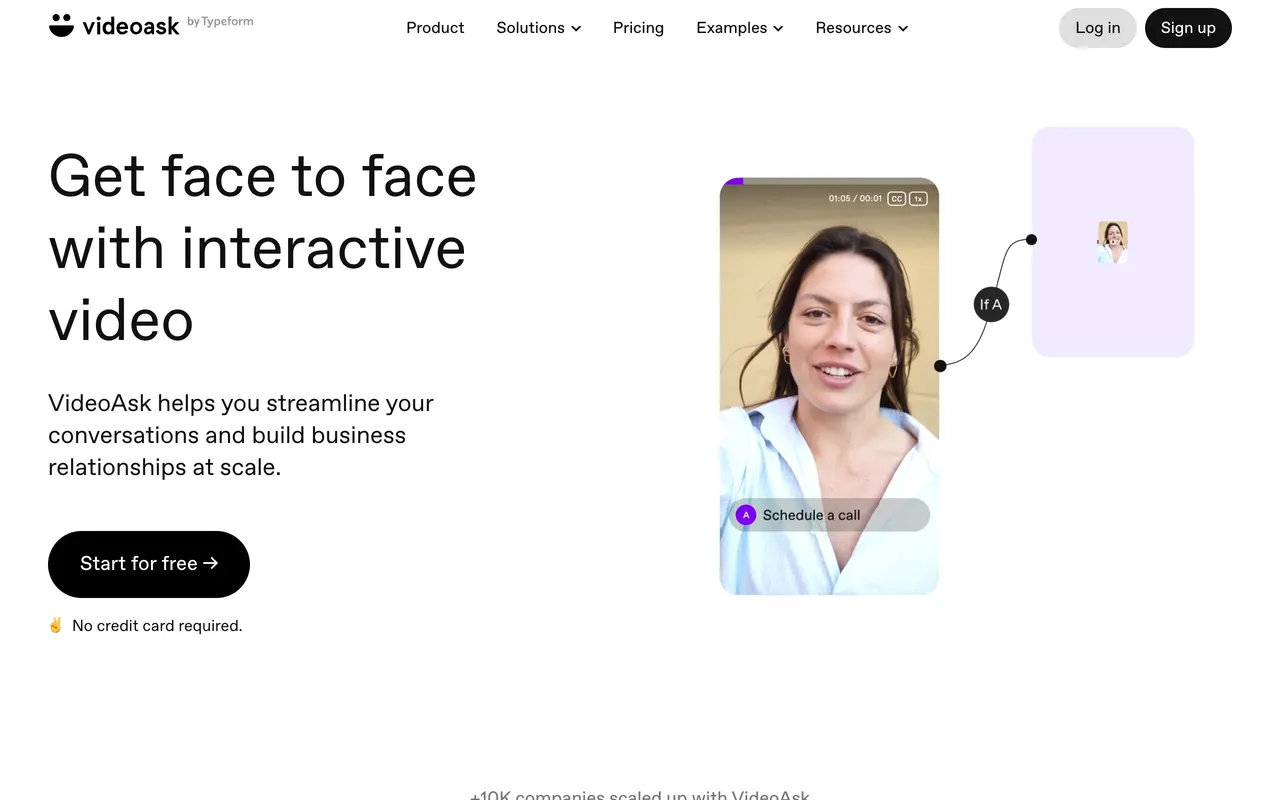
VideoAsk, by Typeform, builds video forms: you ask on video, and people answer by video, audio or text. Steps can branch to different questions based on the answer.
Usage is counted in minutes of video or audio processed, including the videos you record. The free Start plan has 20 minutes a month and up to 3 steps per videoask. Grow is €22 a month billed yearly, with 1,200 minutes a year, and Brand starts at €36.
- Fits
- Asking on camera, or branching to different steps by answer
- Free
- 20 minutes of video or audio a month, 3 steps per videoask
- Grow
- €22/mo billed yearly, 1,200 minutes a year, unlimited steps
- Limits
- Video first; every minute of audio counts toward the plan
6. Typeform
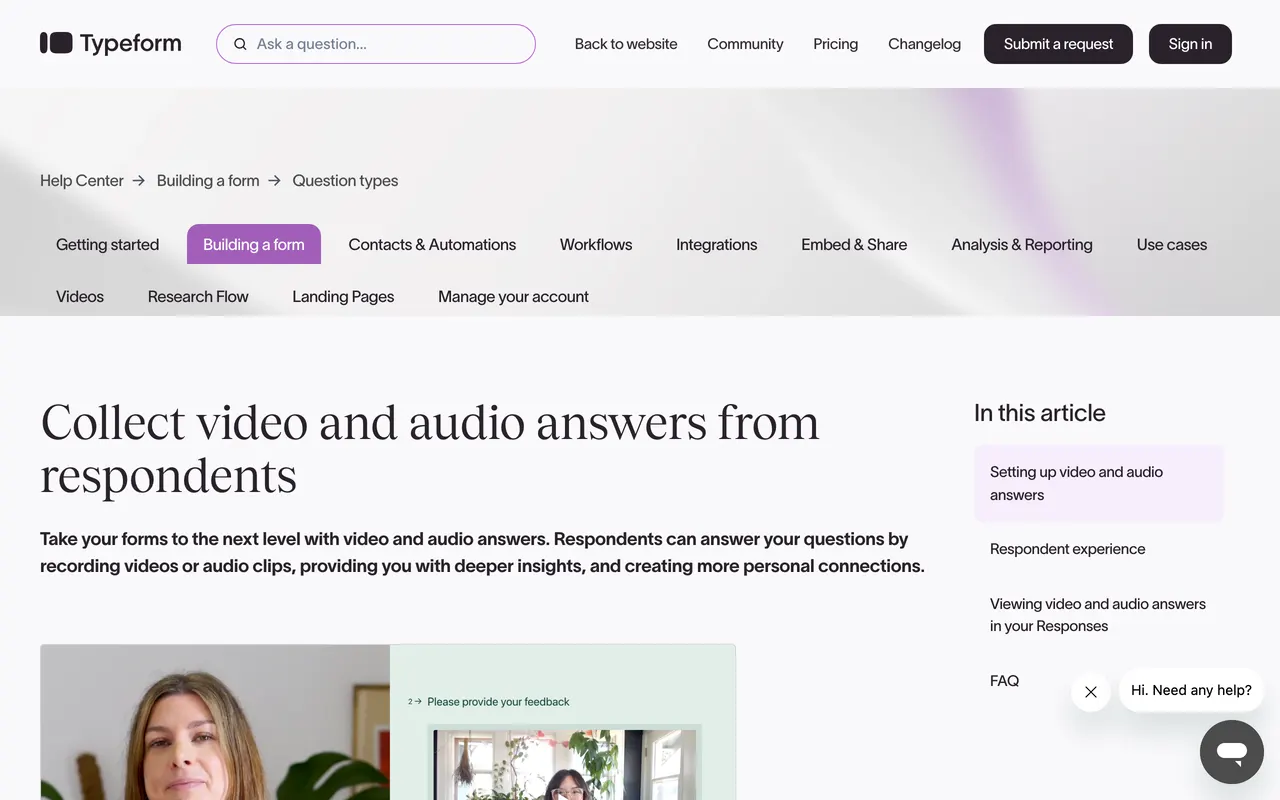
Typeform's Video and Audio question lets people answer by video, audio or text. Only video is on by default; audio and text are switched on per question. Each answer can be up to 2 minutes, and Typeform writes out a transcript.
Video and audio answers are only on Typeform's Growth and Talent plans. The Talent plan starts at $119 a month billed yearly.
- Fits
- Teams already on a Typeform Growth or Talent plan
- Free
- No video or audio answers
- Talent
- From $119/mo billed yearly
- Limits
- 2 minutes per answer, a limit that can't be changed
7. Jotform
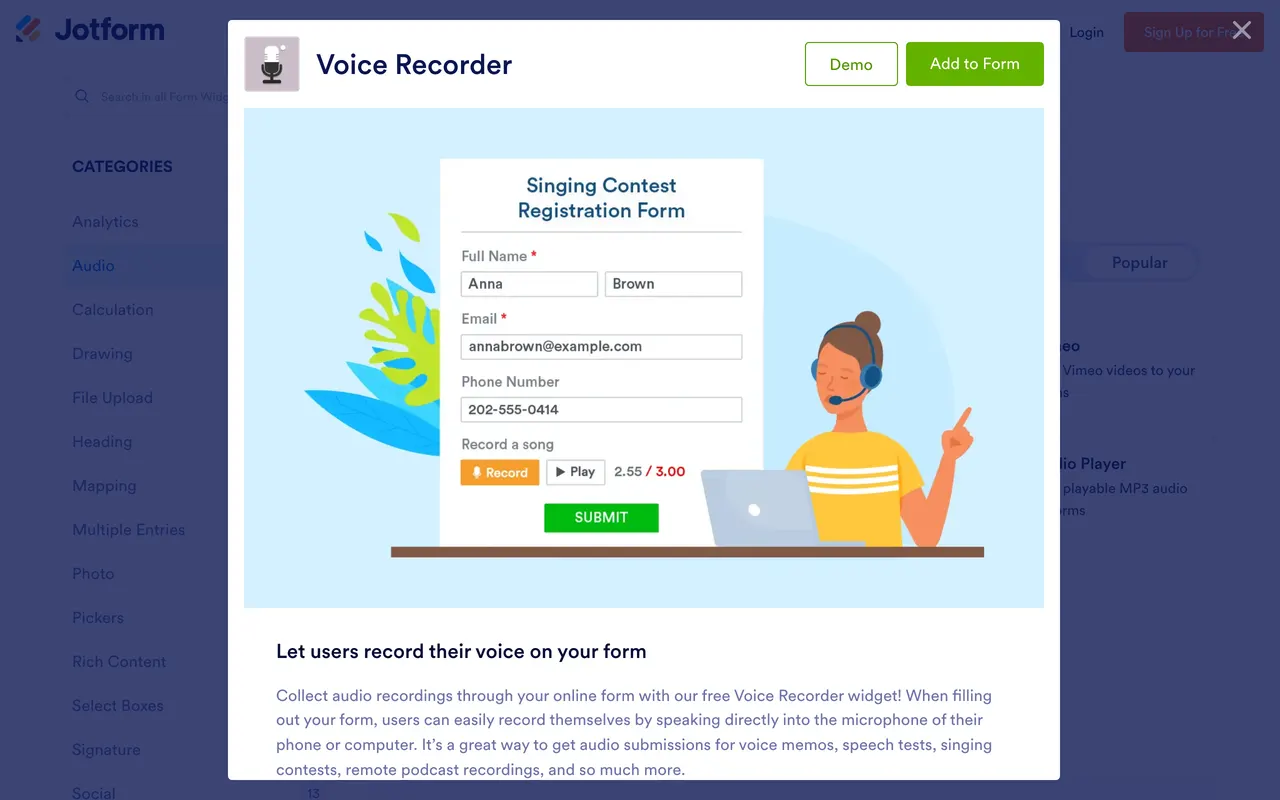
Jotform has a free Voice Recorder widget you add to any Jotform form. People record into the microphone on their phone or computer, and you can set a limit on recording length. The widget page doesn't mention transcripts.
The widget works on Jotform's free Starter plan, which allows 100 submissions a month. Bronze is $39 a month, or $34 a month billed yearly.
- Fits
- One voice question in a form you already built in Jotform
- Free
- Starter: 100 submissions a month
- Bronze
- $39/mo, or $34/mo billed yearly
- Limits
- Voice is a widget inside a written form; no transcripts mentioned
8. SpeakPipe
SpeakPipe is a voicemail widget and a voicemail page for websites, aimed at podcasts. People leave one voice message; there are no questions in order. Messages go to your SpeakPipe inbox, and paid plans can attach the audio to the notification email.
- Fits
- Listener messages for a podcast, a voicemail button on a website
- Free
- Unlimited messages up to 90 seconds, 100 MB, one widget
- Gold
- $12/mo billed yearly: 5-minute messages, 50 GB
- Premium
- $36/mo billed yearly: 10-minute messages, 500 GB
9. Google Forms
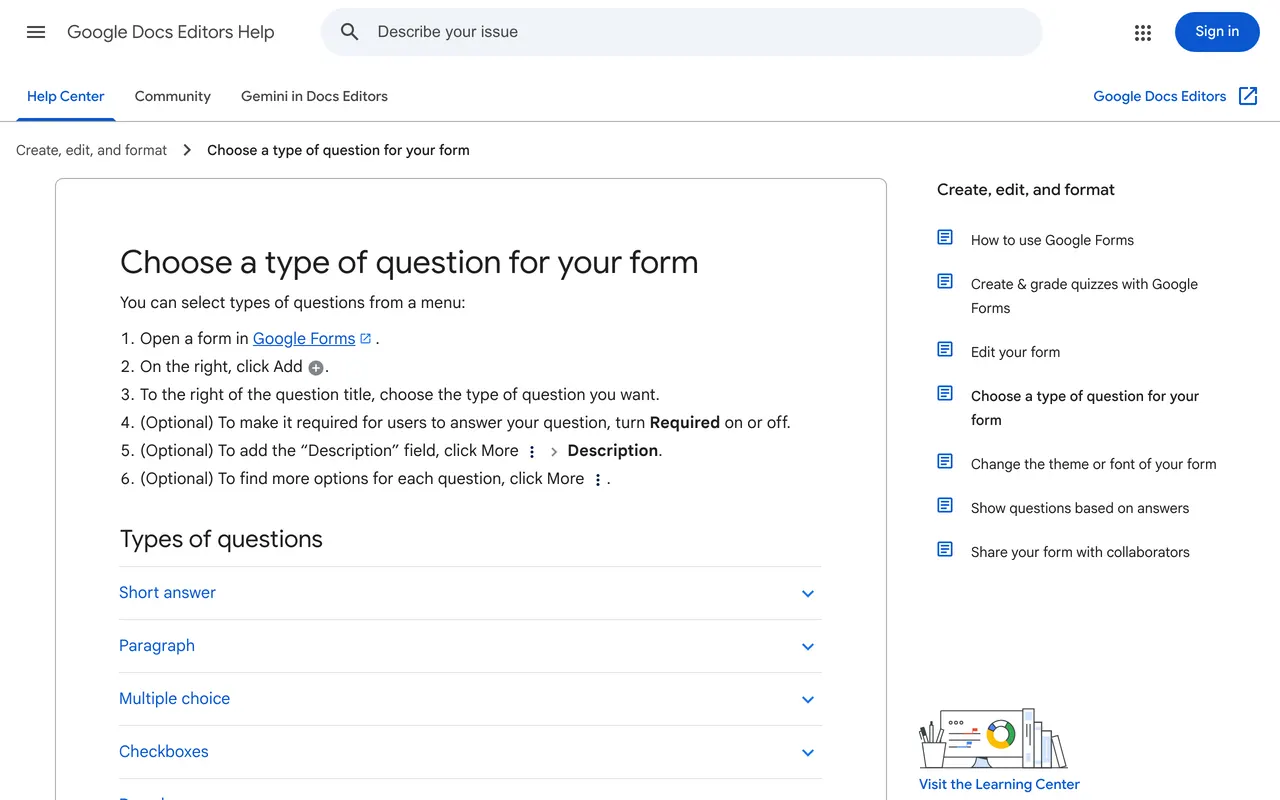
Google Forms has no question type that records audio. The workaround is a File upload question: people record in a voice memo app, sign in to a Google Account and upload the file. Uploads land in a folder in the form owner's Drive, with no transcript.
It costs nothing and works for a class or a team that already signs in to Google. For anyone outside it, the sign-in and the separate recording app are two more steps. How to add audio to Google Forms covers both playing audio and collecting it.
Which one to pick
- The recording and a transcript, question by question: SendMyVoice.
- Only the text matters, up to 8 questions: Please Ramble.
- One open prompt to many people: Memodrop, or SpeakPipe for a podcast voicemail.
- Research surveys with AI follow-ups: Voiceform.
- Asking on camera, with branching: VideoAsk.
- You already use Typeform or Jotform: their voice options, within the plan limits above.
Sources
Questions
What is the best free voice form tool?
It depends on what you need to keep. SendMyVoice's free plan has 1 voice form with 3 questions and 10 answers a month, with audio and transcripts. Memodrop's free plan takes 1-minute memos and keeps them for 7 days. Please Ramble's free plan is one form with 3 responses, as transcripts.
Can Google Forms record audio?
No. Google Forms has no question type that records audio. A File upload question can take a recording made in another app, and answering it needs a Google sign-in.
Does Typeform have audio answers?
Yes, on the Growth and Talent plans. Typeform's Video and Audio question takes answers of up to 2 minutes, and audio has to be switched on for each question.
What is a VideoAsk alternative for voice only?
SendMyVoice, Please Ramble and Memodrop take answers by voice with no camera. VideoAsk counts minutes of video or audio, with 20 minutes a month on its free plan.
Is there a SpeakPipe alternative that asks several questions?
SendMyVoice and Please Ramble ask up to 8 questions in order. SpeakPipe takes one voice message per recording.
Do people need an account to answer a voice form?
Not with SendMyVoice, Please Ramble, Memodrop or SpeakPipe: the link opens in a browser. Google Forms needs a Google sign-in for a File upload question.