
Best Chrome Audio Recorder Extensions (Mic, Tab Audio, MP3) 2026
Whether you need to capture a meeting, save a podcast clip, record a voice memo, or grab audio from a browser tab: you don't need a desktop app for that anymore. We tested the most popular audio and voice recorder extensions on the Chrome Web Store and ranked them by features, ratings, and real-world usability.
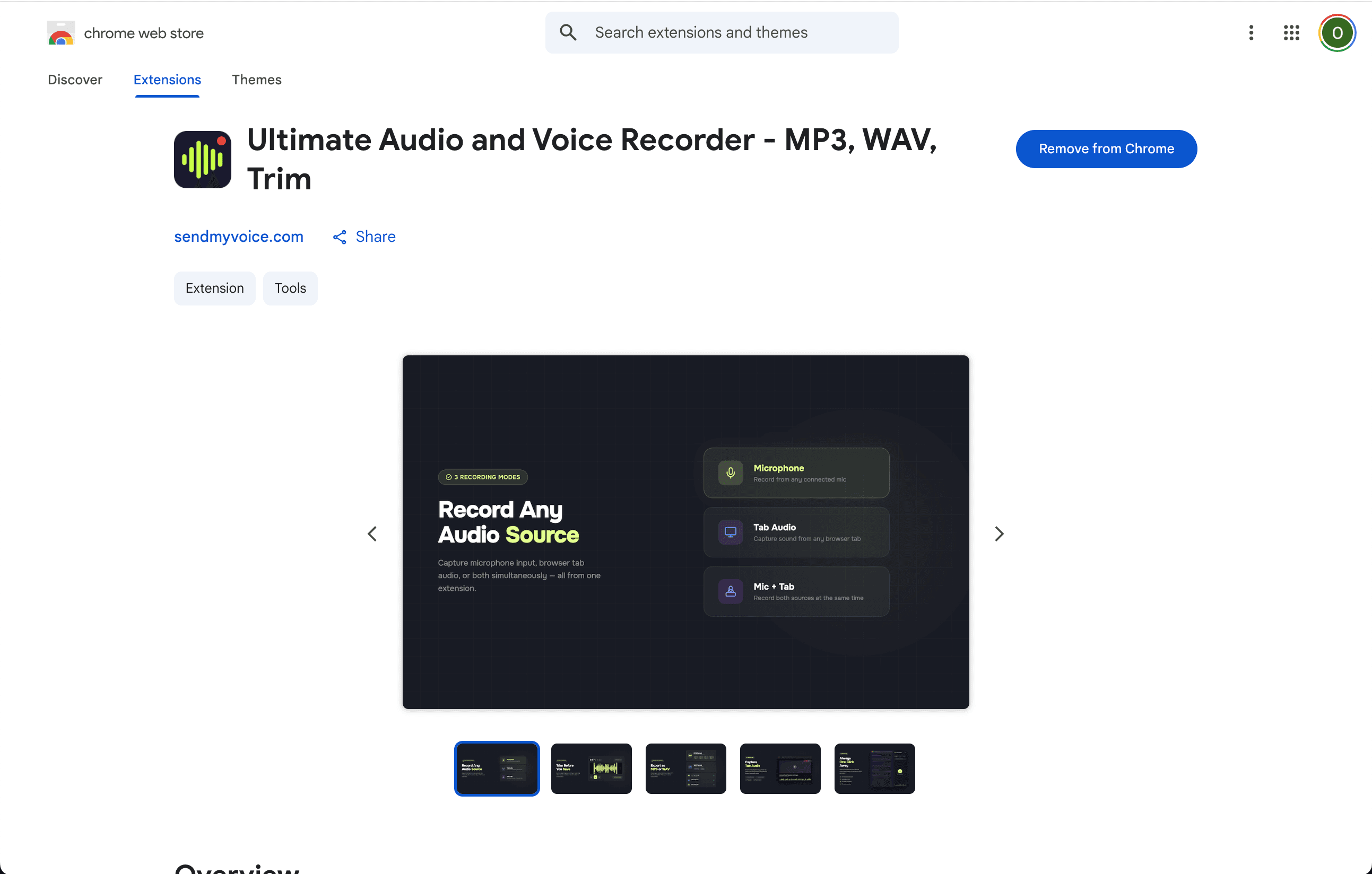
Our own pick is the audio recorder Chrome extension from SendMyVoice. It records the microphone, tab audio, or both, and exports MP3 or WAV.
What changed in 2026
- Manifest V3 shook out older extensions: Chrome's move to Manifest V3 forced many recorder extensions to rework how they capture audio, and some smaller, unmaintained ones broke or were pulled from the Web Store during the transition. Check an extension's last update date before installing.
- Side panel recorders are more common: instead of a small popup that closes when you click away, more recorders now open in Chrome's side panel, so the controls stay visible next to the tab you're recording.
- Local-only recording is a bigger selling point: with privacy concerns rising, more extensions advertise that audio never leaves your browser, no accounts and no server uploads.
- In-browser MP3 export is close to standard on actively maintained extensions now, cutting out the separate conversion step that used to be common.
Chrome Audio Capture alternatives
Chrome Audio Capture is one of the most reviewed tab-audio recorders on the Chrome Web Store, but it only records the current tab: no microphone input, no trim editor. People usually look for a Chrome Audio Capture alternative when it stops recording, throws an encoding error on save, or when they also need to capture the microphone, not just the tab.
If that sounds like you, entry #1 below, the SendMyVoice Audio Recorder extension, records microphone, tab audio, or both in one file, with a trim editor and MP3/WAV export, entirely local. See our full Chrome Audio Capture alternatives comparison for a closer look.
What to look for in a Chrome audio recorder
Not all audio recorders work the same way in Chrome. Before picking one, it helps to know what actually matters:
- Audio source: Can it record your microphone, the audio playing in a browser tab, or both at the same time? This is the biggest differentiator.
- Export formats: MP3 covers most use cases. WAV gives you lossless quality. Some tools only export video formats like MP4, which means extra conversion steps.
- Editing: A built-in trim editor saves you from opening a separate tool to cut dead air from the start and end.
- Privacy: Does it process audio locally, or does it upload your recordings to a server? For sensitive content, local-only is better.
- Limits: Free plans sometimes cap recording length, add watermarks, or limit the number of exports.
With that in mind, here are the 10 best options on the Chrome Web Store right now: ranked by how well they actually work for audio recording.

1. SendMyVoice Audio Recorder
Our pickFull-featured Chrome extension with mic, tab audio, and trim editor.
Key features
- -Record microphone, tab audio, or both simultaneously
- -Built-in waveform trim editor to cut start and end
- -Export as MP3 (128–320 kbps) or lossless WAV
- -Opens in Chrome's side panel: stays next to your tab
- -Dark mode with one-click toggle
- -100% local, no accounts, no uploads, no server storage
Pros
- Records all three sources (mic, tab, mic+tab)
- Trim editor with visual waveform included
- Completely free with no recording limits
- Privacy-first: everything stays in your browser
- Side panel UX keeps your workflow uninterrupted
Cons
- Chrome only (no Firefox or Safari support)
- No built-in transcription (pair with SendMyVoice web app for that)
Best for: Anyone who wants a clean, full-featured audio recorder that lives in Chrome and respects privacy. Best all-around pick.

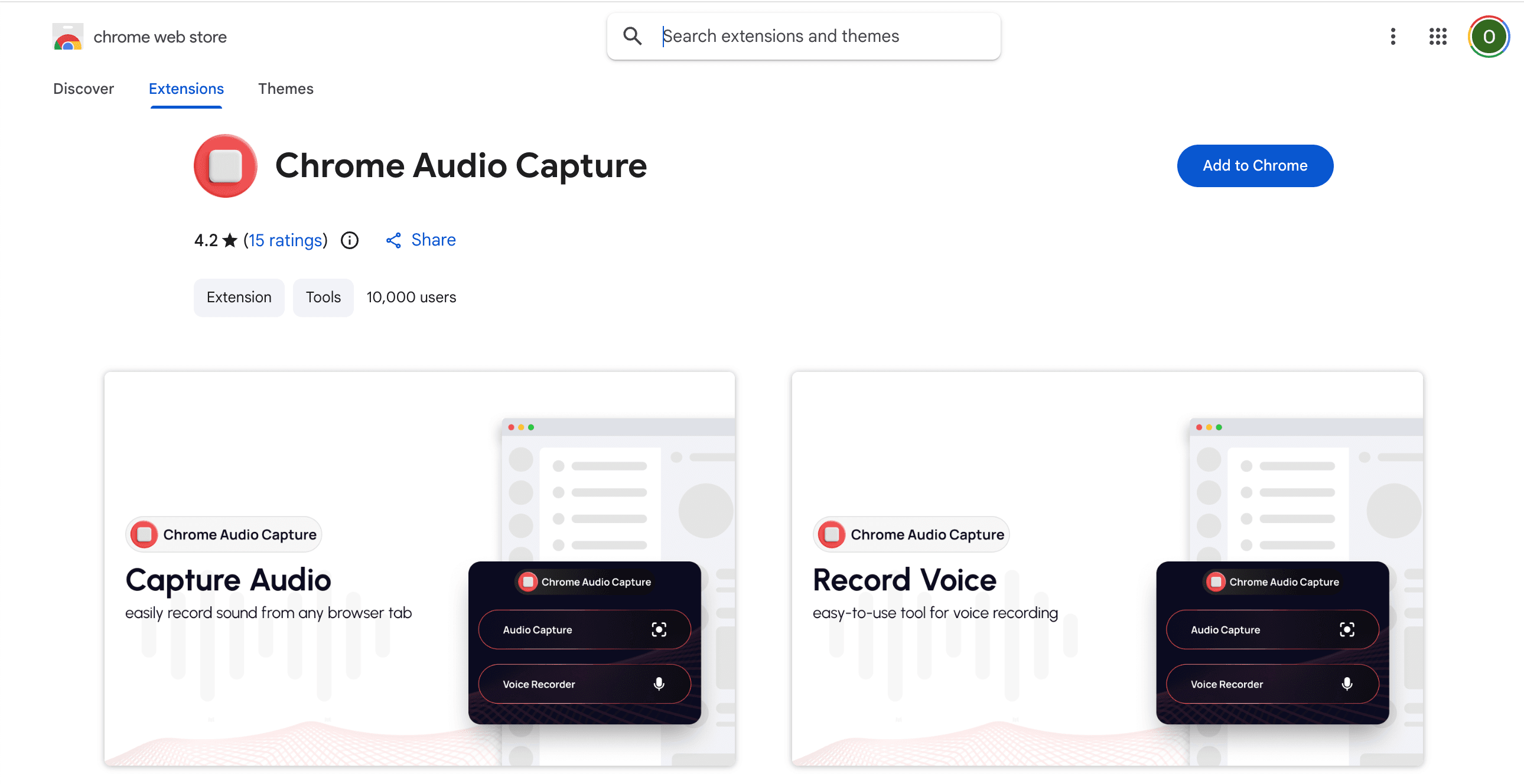
2. Chrome Audio Capture
The most reviewed tab audio capture extension on the Chrome Web Store.
Key features
- -One-click recording from the current browser tab
- -Record from multiple tabs simultaneously
- -Export as MP3 or WAV
- -Lightweight: minimal impact on browser performance
Pros
- Dead simple: click and record
- 1,800+ reviews make it one of the most trusted options
- Multi-tab recording is a unique feature
- Completely free, no account needed
Cons
- No microphone recording: tab audio only
- Some users report crackling/popping on long recordings
- No trim editor or any editing tools
- Occasional encoding failures on save
Best for: Quick tab audio captures when you need something simple and well-tested.

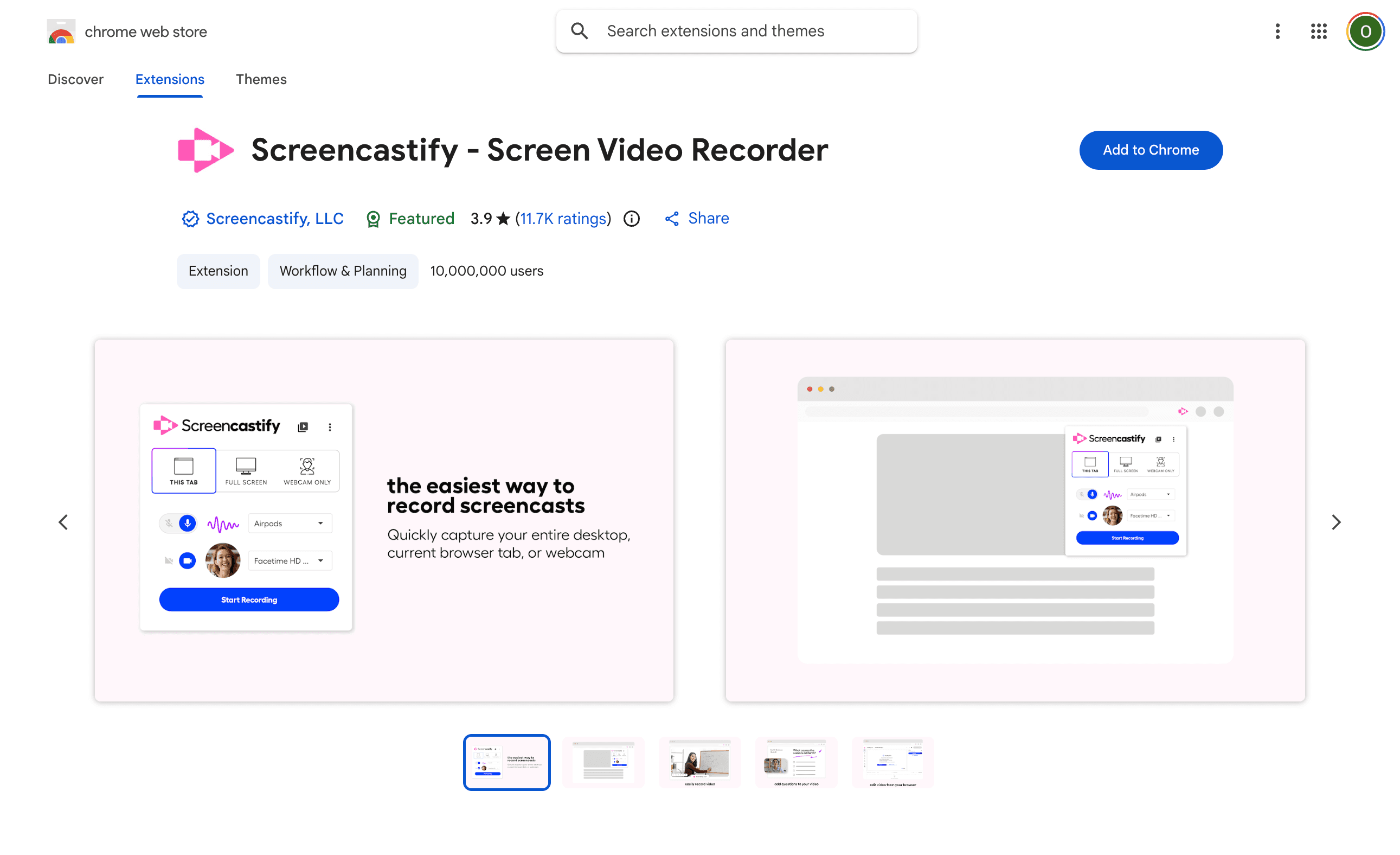
3. Screencastify
Chrome's most downloaded screen and audio recorder with 10M+ users.
Key features
- -Record browser tab, webcam, or full desktop
- -Built-in editing tools (trim, merge, annotate)
- -Export as MP4, MP3, or animated GIF
- -Auto-save to Google Drive
- -Direct YouTube publishing
Pros
- Massive user base: very well tested
- All-in-one recording and editing
- Google Drive integration is convenient
- Widely used in education
Cons
- Primarily a screen recorder: audio is secondary
- Free plan limits recording to 5 minutes
- Heavier extension since it handles video too
- Paid plans are expensive for audio-only use
Best for: People who need screen recording with audio, especially educators and presenters.

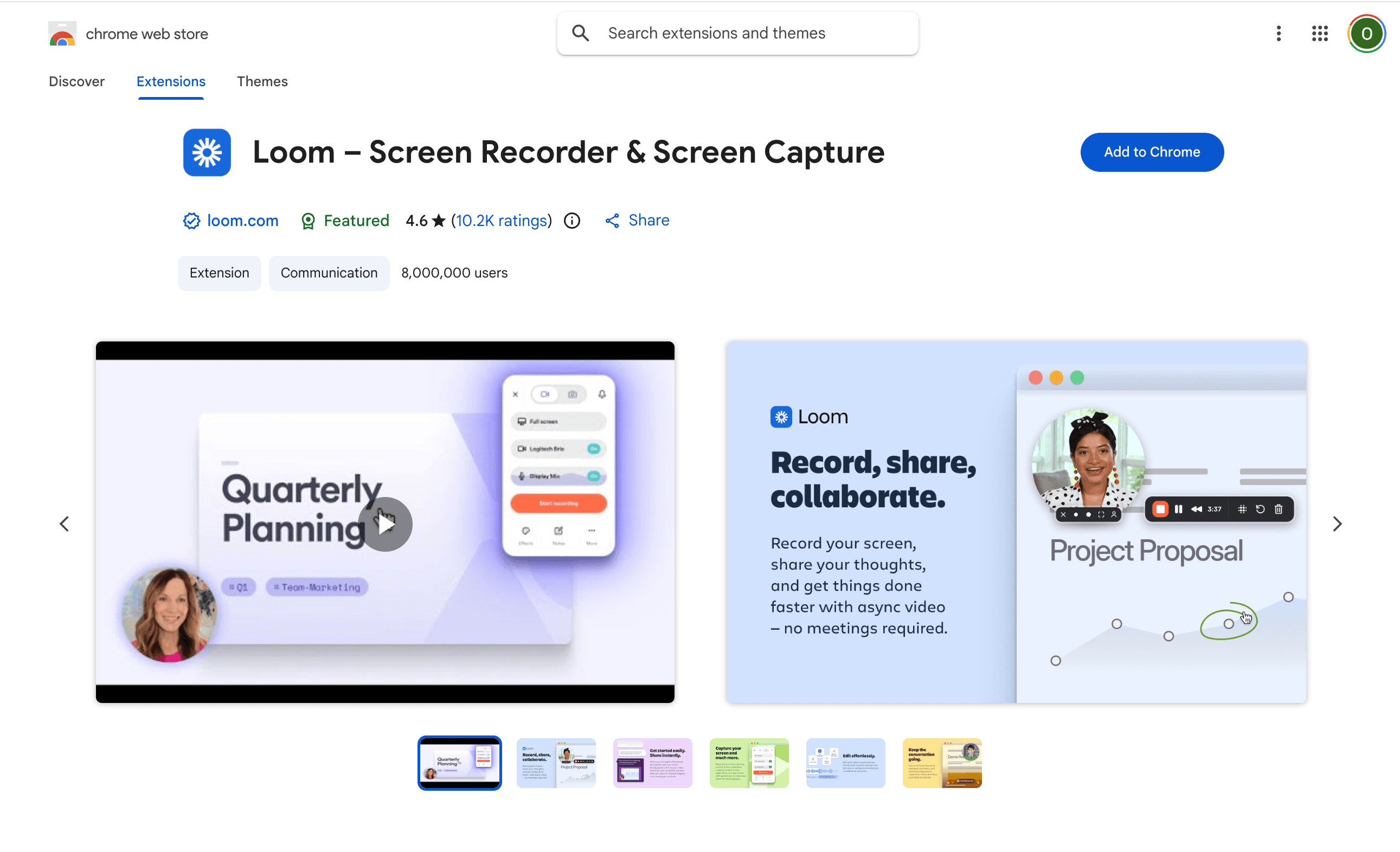
4. Loom
Record screen and audio to share instant video messages. 8M+ users.
Key features
- -Record screen, webcam, and audio simultaneously
- -Instant shareable links after recording
- -Video trimming and stitching
- -Engagement analytics (who watched, for how long)
- -Transcription and closed captions
Pros
- Massive, reliable platform used by 200K+ companies
- One-click screen + audio recording
- Instant sharing via link, no file uploads
- Built-in transcription
Cons
- Video-first tool: can't export audio-only easily
- Free plan limits to 5-minute recordings and 25 videos
- Recordings stored on Loom servers, not local
- Overkill if you just need audio
Best for: Teams and professionals who want screen + audio recording with instant sharing.
Record any audio, right in Chrome
Mic, tab, or both. Trim, export as MP3 or WAV. Free, private, no account needed.
Get the free extension
5. Notta
AI-powered meeting transcription and audio recording.
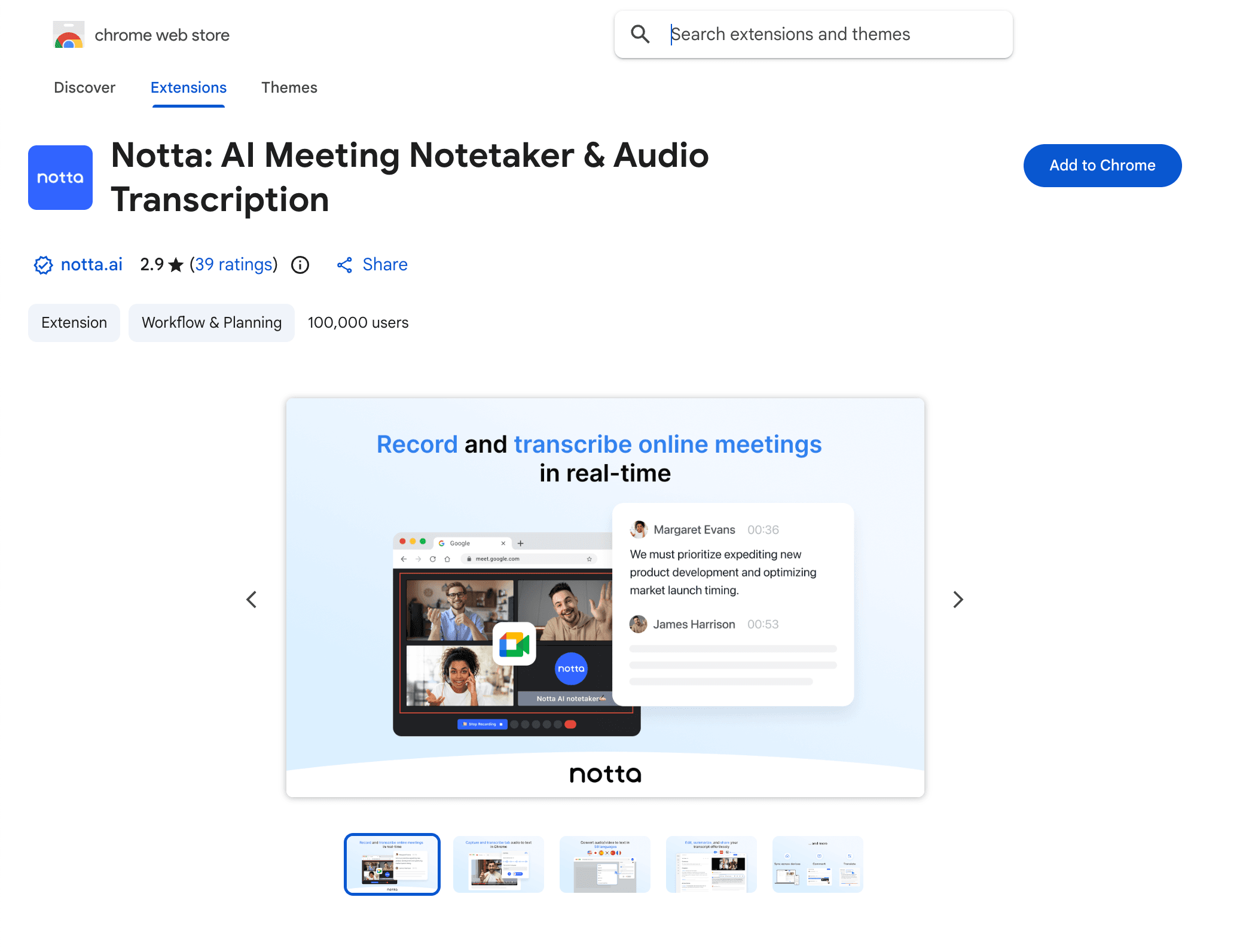
Key features
- -Real-time transcription with 98.86% claimed accuracy
- -58+ language support
- -Speaker identification
- -Export transcripts as TXT, DOCX, SRT, or PDF
- -Variable playback speeds
Pros
- Excellent transcription quality for English
- Wide language and accent support
- Good for meetings and long recordings
- Cross-device sync
Cons
- Lower Chrome Web Store rating (3.1): mixed reviews
- Free plan is limited in recording minutes
- Focused on transcription, not audio file export
- Audio is uploaded to Notta servers
Best for: Users who need accurate, real-time transcription more than raw audio files.

6. Smart Audio Capture
Record tab audio and microphone with format options. 50K users.
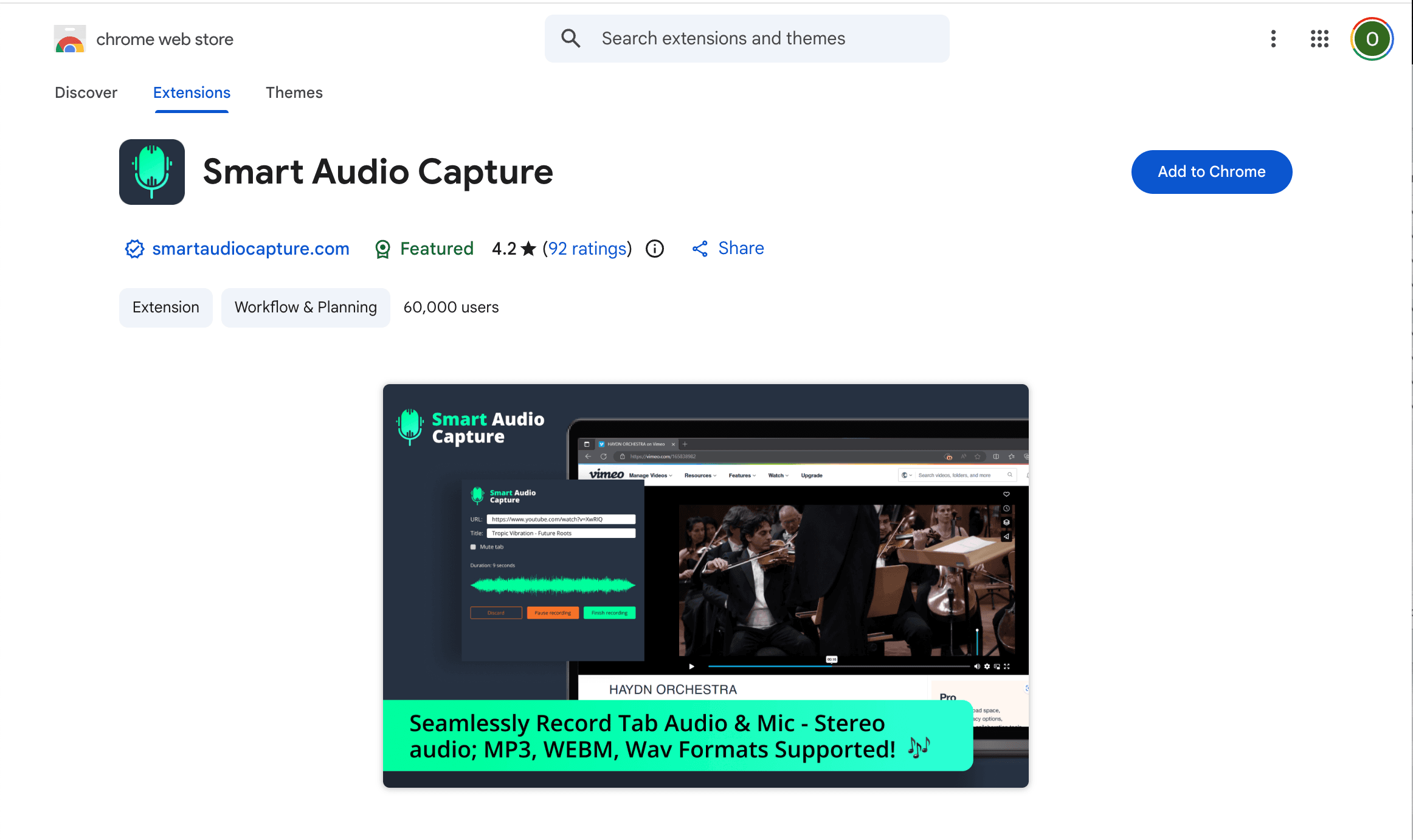
Key features
- -Record tab audio from any browser tab
- -Microphone recording support
- -Export as WebM, MP3, or WAV
- -Works on Chrome and Brave browsers
Pros
- Supports both tab audio and microphone
- Multiple export format options
- Free with no account required
- Good sound quality according to user reviews
Cons
- Some users report crashes during save
- Missing files reported occasionally
- No trim or editing tools
- Extension may be inconsistently maintained
Best for: Users who want free tab + mic recording with format flexibility.

7. Audio & Voice Recorder
Simple online voice recorder from your microphone.
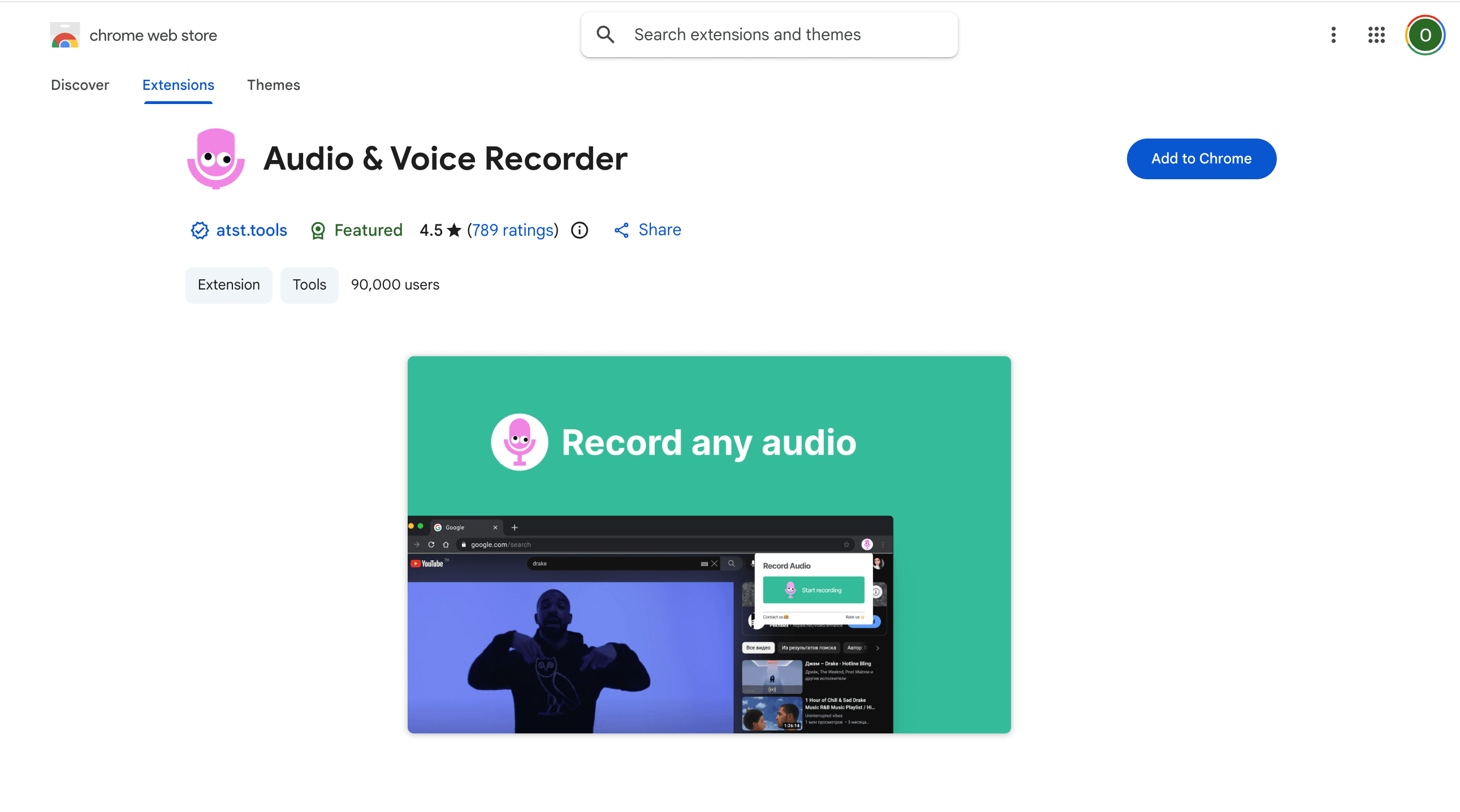
Key features
- -One-click microphone recording
- -Records in high-quality WAV format
- -MP3 export available
- -Clean, minimal interface
- -Does not store your data or recordings
Pros
- High rating (4.5 stars): users praise simplicity
- Clear audio quality
- Privacy-focused, no data stored
- Easy to use, no configuration needed
Cons
- Microphone only, no tab audio recording
- Limited free tier with recording count limits
- WAV default can cause issues on some setups
- No editing or trimming tools
Best for: Quick voice memos and mic recordings when you want simplicity and good audio quality.
Record any audio, right in Chrome
Mic, tab, or both. Trim, export as MP3 or WAV. Free, private, no account needed.
Get the free extension
8. Mote
Voice notes and audio feedback for Google Workspace. Loved by educators.
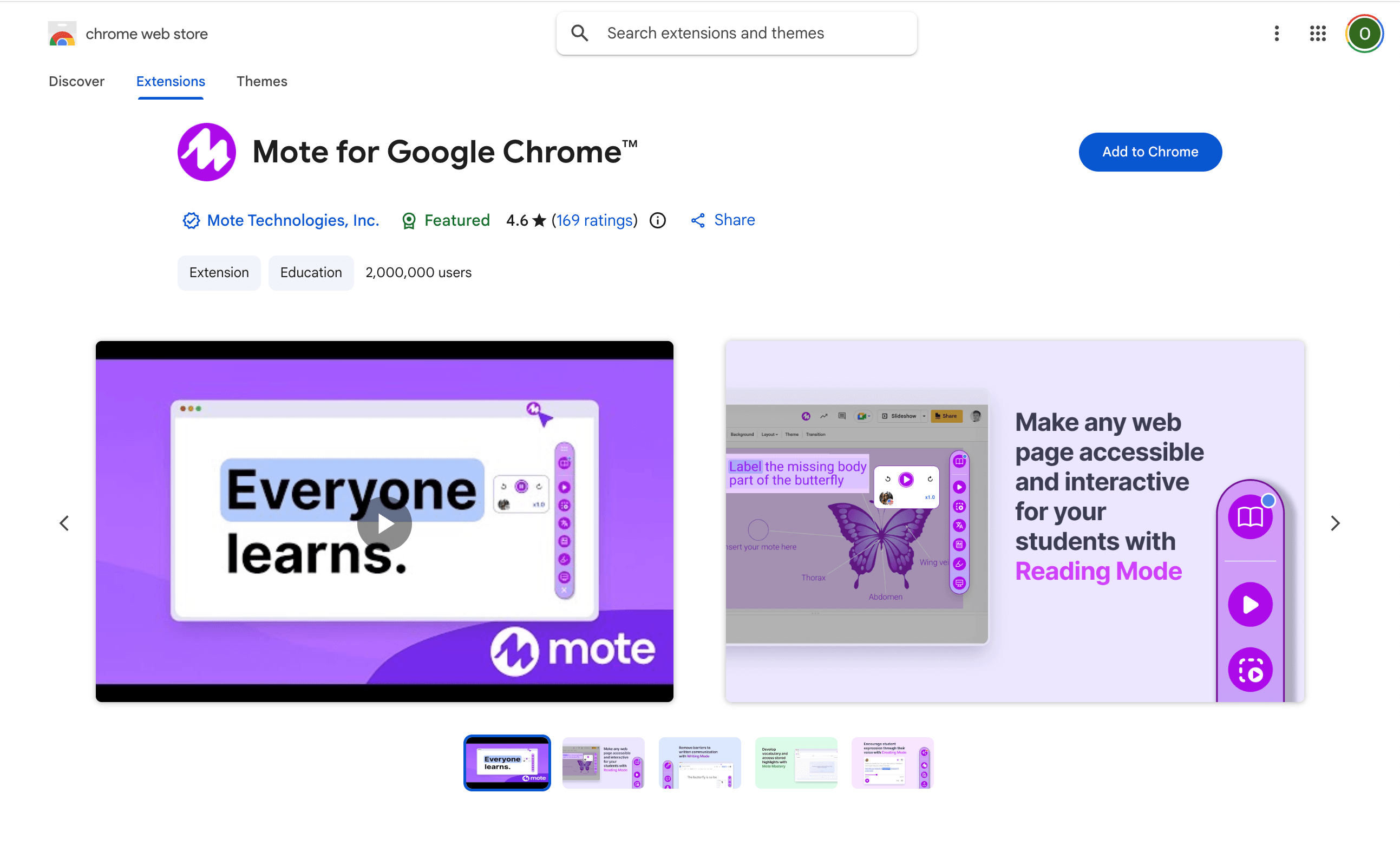
Key features
- -Record voice notes directly in Google Docs, Sheets, Slides, and Forms
- -Automatic transcription of voice notes
- -Translation support for multilingual feedback
- -Embeddable voice notes via link
- -Deep Google Workspace integration
Pros
- Highest rating on this list (4.8 stars)
- Seamless Google Workspace integration
- Loved by teachers for giving voice feedback
- Transcription and translation built in
Cons
- Designed for education, not general-purpose recording
- Can't record tab audio
- No audio file export (MP3/WAV): share via links only
- Paid plan is annual only
Best for: Educators and students who want voice feedback inside Google Docs, Slides, and Forms.

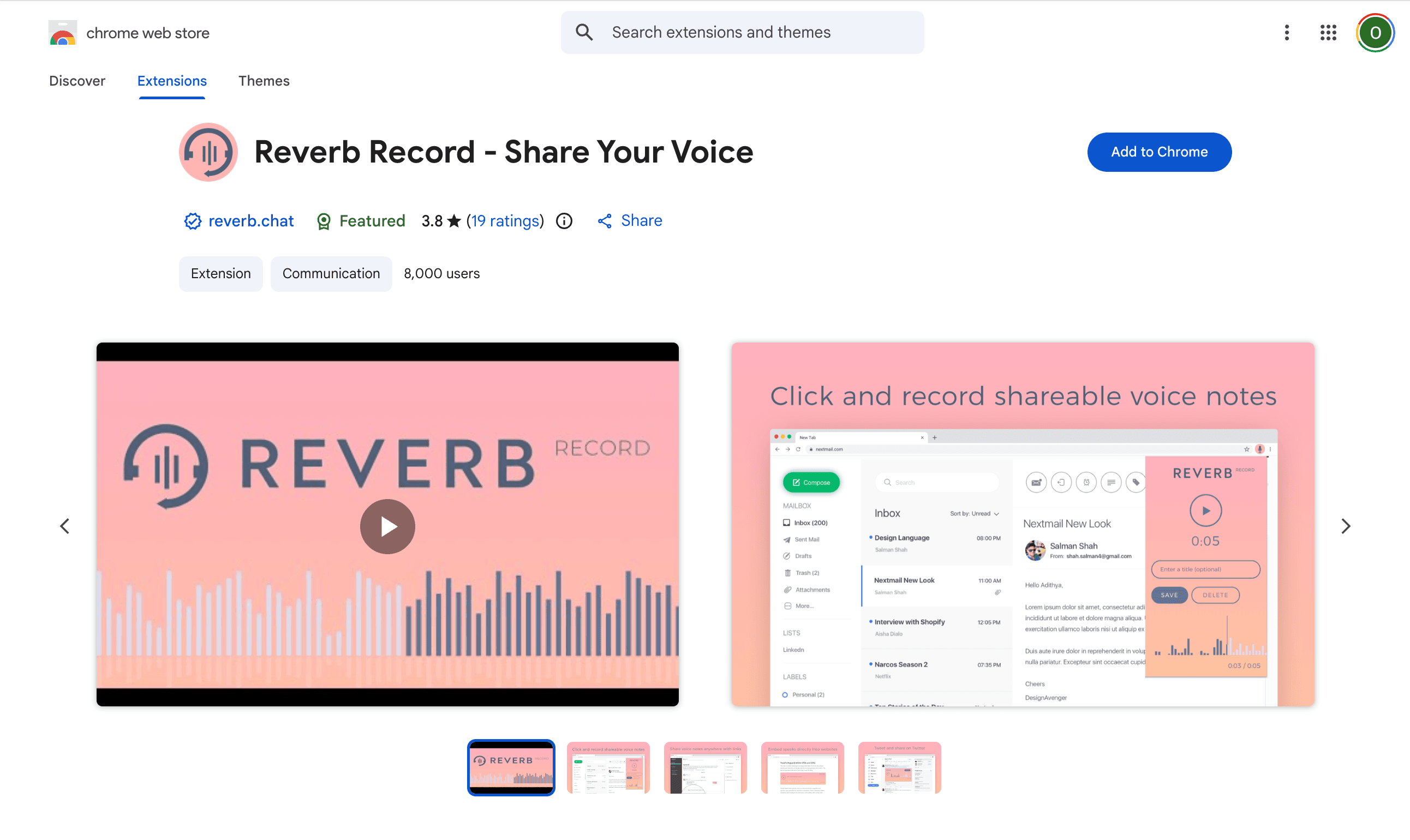
9. Reverb Record
Record and share voice notes without an account.
Key features
- -One-click voice recording, no account needed
- -Shareable links for each recording
- -Embed recordings in Google Docs, Classroom, Notion
- -Works on forums and websites via embed
Pros
- No account required to record and share
- Easy embedding in Notion, Google Docs, etc.
- Good for quick voice messages and feedback
Cons
- Microphone only, no tab audio
- No audio file download on free plan
- Limited recording features
- Recordings hosted on Reverb servers
Best for: Quick voice recordings you want to share as a link or embed in documents.

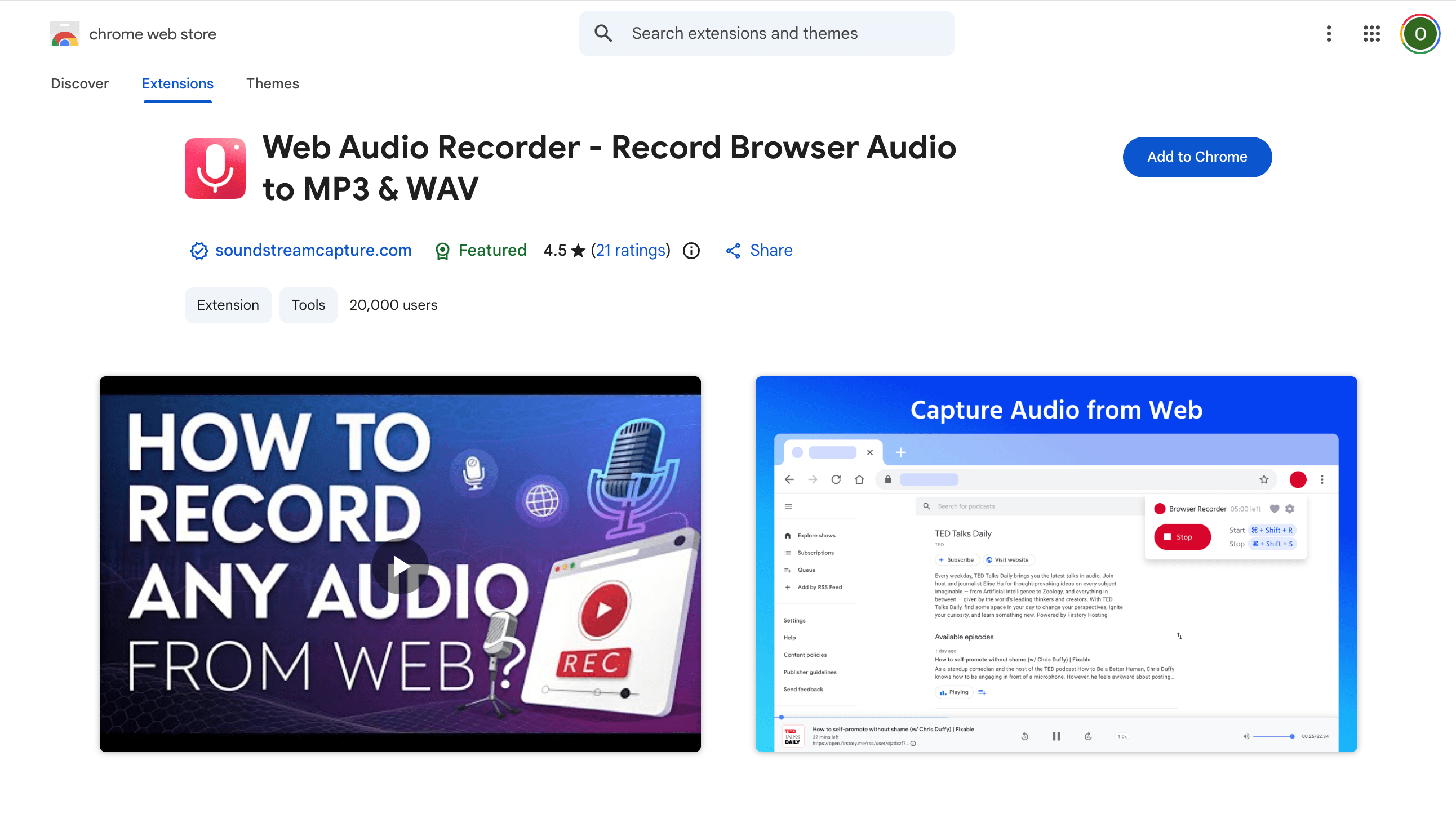
10. Web Audio Recorder
Capture browser tab audio directly to MP3 or WAV files.
Key features
- -One-click recording from any browser tab
- -Auto-downloads recordings to your computer
- -Export as MP3, WAV, or WebM
- -Choose audio quality/bitrate settings
Pros
- Good rating (4.3 stars) for its category
- Auto-download is convenient
- Multiple format options
- Free with no limits
Cons
- Tab audio only, no microphone recording
- Smaller user base (2K users)
- No editing or trimming tools
- No combined mic+tab recording
Best for: Grabbing audio from browser tabs when you want auto-download in your preferred format.
Side-by-side comparison
Here's how all 10 extensions compare on the features that matter most for Chrome audio recording.
| Extension | Rating | Mic | Tab | Both | Trim | Formats | Price |
|---|---|---|---|---|---|---|---|
| SendMyVoice Audio Recorder | — | MP3, WAV | Free | ||||
| Chrome Audio Capture | 4.3 | MP3, WAV | Free | ||||
| Screencastify | 3.9 | MP4, MP3, GIF | Freemium | ||||
| Loom | 4.2 | MP4, MP3 | Freemium | ||||
| Notta | 3.1 | TXT, DOCX, SRT | Freemium | ||||
| Smart Audio Capture | 4.2 | MP3, WAV, WebM | Free | ||||
| Audio & Voice Recorder | 4.5 | WAV, MP3 | Freemium | ||||
| Mote | 4.8 | Link, embed | Freemium | ||||
| Reverb Record | 3.8 | Link, embed | Freemium | ||||
| Web Audio Recorder | 4.3 | MP3, WAV, WebM | Free |
Which one should you pick?
It depends on what you actually need:
- All-around audio recorder: SendMyVoice Audio Recorder handles mic, tab, and both, with a trim editor and privacy-first approach.
- Tab audio only: Chrome Audio Capture is the most battle-tested option with 1,800+ reviews.
- Screen + audio: Screencastify (10M+ downloads) or Loom (8M+ users) for video recording alongside audio.
- Transcription focus: Notta for converting speech to text with AI accuracy across 58+ languages.
- Education: Mote (4.8 stars) for voice feedback in Google Workspace.
- Quick voice clips: Reverb Record for the fastest record-and-share experience.
For most people who just want to record audio in Chrome: mic or tab: without dealing with accounts, uploads, or format limitations, SendMyVoice Audio Recorder is the most complete free option.
Record any audio, right in Chrome
Mic, tab, or both. Trim, export as MP3 or WAV. Free, private, no account needed.
Get the free extensionFrequently asked questions
What is the best free audio recorder extension for Chrome?
SendMyVoice Audio Recorder covers the widest range of recording needs for free: microphone, tab audio, or both at once, with a trim editor and MP3/WAV export. Chrome Audio Capture is another solid free option if you only need tab audio, backed by 1,800+ reviews.
Can I record tab audio in Chrome without a desktop app?
Yes. Chrome extensions like SendMyVoice Audio Recorder, Chrome Audio Capture, Smart Audio Capture, and Web Audio Recorder use Chrome's built-in tab capture API to record audio from any browser tab, no desktop software needed.
Which Chrome audio recorder supports both microphone and tab audio?
SendMyVoice Audio Recorder is one of the few extensions that records microphone and tab audio simultaneously into a single file. Smart Audio Capture also supports both sources. Most other tools support only one at a time.
Are Chrome audio recorders safe to use?
It depends on the extension. Tools like SendMyVoice Audio Recorder process everything locally in your browser with no data leaving your device. Others (Loom, Notta, Reverb Record) upload recordings to external servers. Always check the privacy policy and permissions an extension requests before installing.
Can I record a Google Meet or Zoom call with a Chrome extension?
You can record the tab audio from any web-based meeting tool using extensions that support tab capture. For mic + meeting audio combined, use a tool like SendMyVoice that supports recording both sources at the same time. Notta and Loom also work well for meeting recordings with transcription.
Wrapping up
Chrome has come a long way as an audio recording platform. Between dedicated audio extensions, screen recorders with audio features, and AI-powered transcription tools, there's no shortage of options on the Web Store.
If you want our honest recommendation: start with SendMyVoice Audio Recorder. It's free, private, and handles the three most common recording scenarios (mic, tab, both) with a trim editor built in. If you also need transcription and AI structuring, the SendMyVoice web app pairs perfectly with it.
And once you've captured a recording, you can turn it into text for free with our audio to text tool or caption it with the subtitle generator, both of which run right in your browser.
Ready to record?
Install the free Chrome extension and start capturing audio in seconds.
Send a voice message, free, no signup
Record a voice message in your browser and share it with a link. Password protection, auto-delete, and no account required.
Record a voice message