
How to Edit a Voice Form After People Answered
Change, reorder or delete questions on a voice form after answers came in. See what happens to earlier answers, downloads and people mid-answer.
You can change a form after answers came in. Answers you already have keep the question as it read when the person answered, and your form's links keep working.
Open your form under Forms, click Edit, make your changes and click Save changes. You aren't asked about the answers you already have, so read what happens to them below before you save.
Reword or move a question
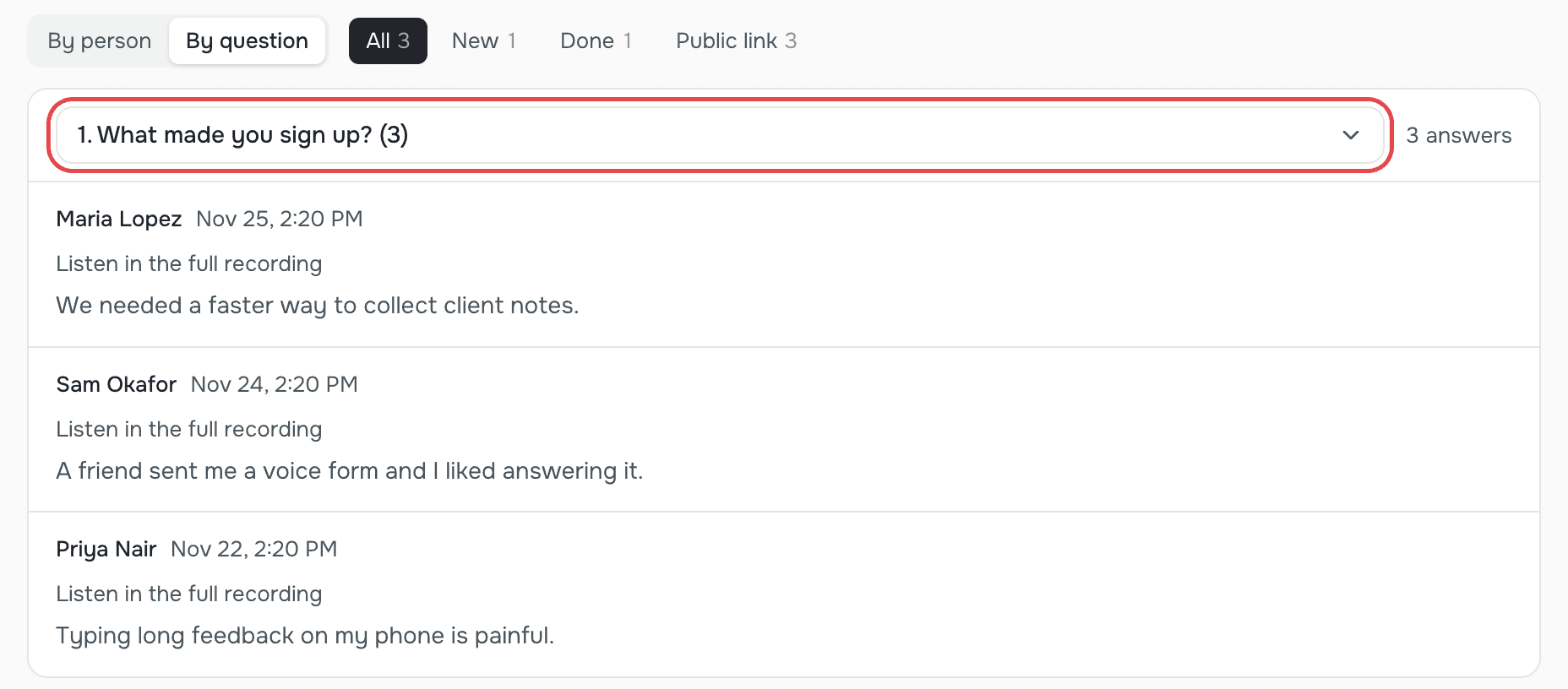
When you reword a question or move it, earlier answers stay with it. In By question and in your downloads, they sit under the new wording. When you open one person's answers, you see the question as it read when they answered.
If you rename or remove an option on a Dropdown or Checkboxes question, earlier answers keep the option the person picked. In By question, those old options come after the current ones, with their counts.
Delete a question or change its type
Deleting a question doesn't delete its answers. Switching a question to another type, like Voice answer to Rating, works the same way: earlier answers stay with the old question.
- In By question, the old question sits at the end of the menu, starting with "Removed:".
- In a spreadsheet download, its answers have a column of their own at the end.
To remove those answers too, delete the answers. See Delete an answer.
Edit while someone is answering
People who started before you saved keep their answers to questions still on the form. Answers to a question you deleted or switched to another type are dropped and never reach you. If you renamed or removed an option someone picked, they pick again.
If their page is still open on a question you deleted, saving that answer shows "This form was changed. Reload the page to see the current questions." After a reload, they carry on with their earlier answers in place.
If you add a required question, people part way through need to answer it before they send. Otherwise they see "Answer every question marked as required, then send."