
How to Build a Voice Form With AI
Describe a voice form, typed or spoken, and AI drafts it. Change it with AI, undo a change, and see the plan limits.
Describe your form, typed or spoken, and AI drafts the questions. Then ask for changes in a sentence. Nothing is saved until you click Create voice form, or Save changes on a form you're editing.
Describe the form
- Go to Forms and click New voice form.
- In the Start a new form window, type who answers and what you want to hear, for example "Feedback from hotel guests after checkout, with a 1 to 5 rating and a voice question about the room". You can also click an example under the box, like Customer feedback after a visit.
- Click Build form.
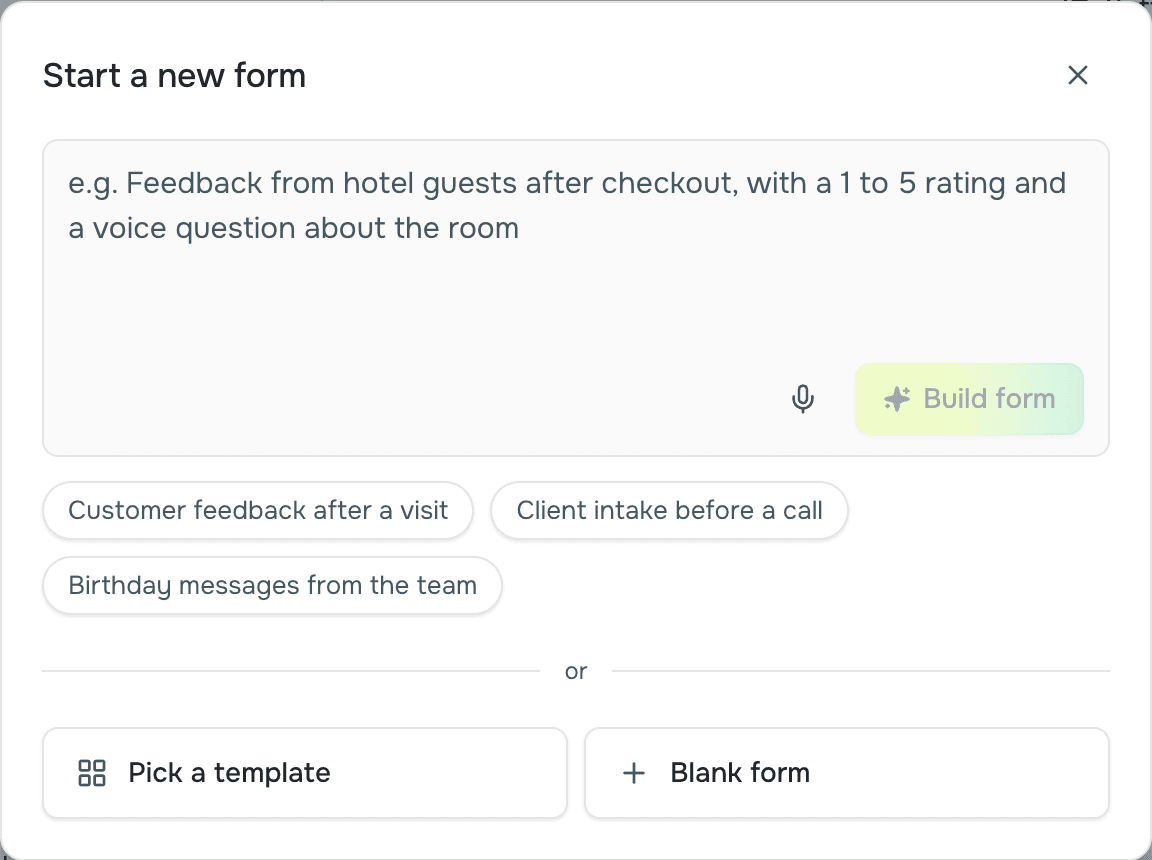
To say it instead of typing, click the microphone, talk for up to 60 seconds and click it again to stop. Your words appear in the box, ready to check before you click Build form.
A description needs at least 4 words. The builder opens with the draft. For the other ways to start, see How to Create a Voice Form.
Change the form with AI
Under the form in the middle of the builder, type what to change in Change the form with AI and click Apply. Some examples:
- "add a rating at the end"
- "make the email question optional"
- "move question 3 to step 1"
- "translate the form into Spanish"
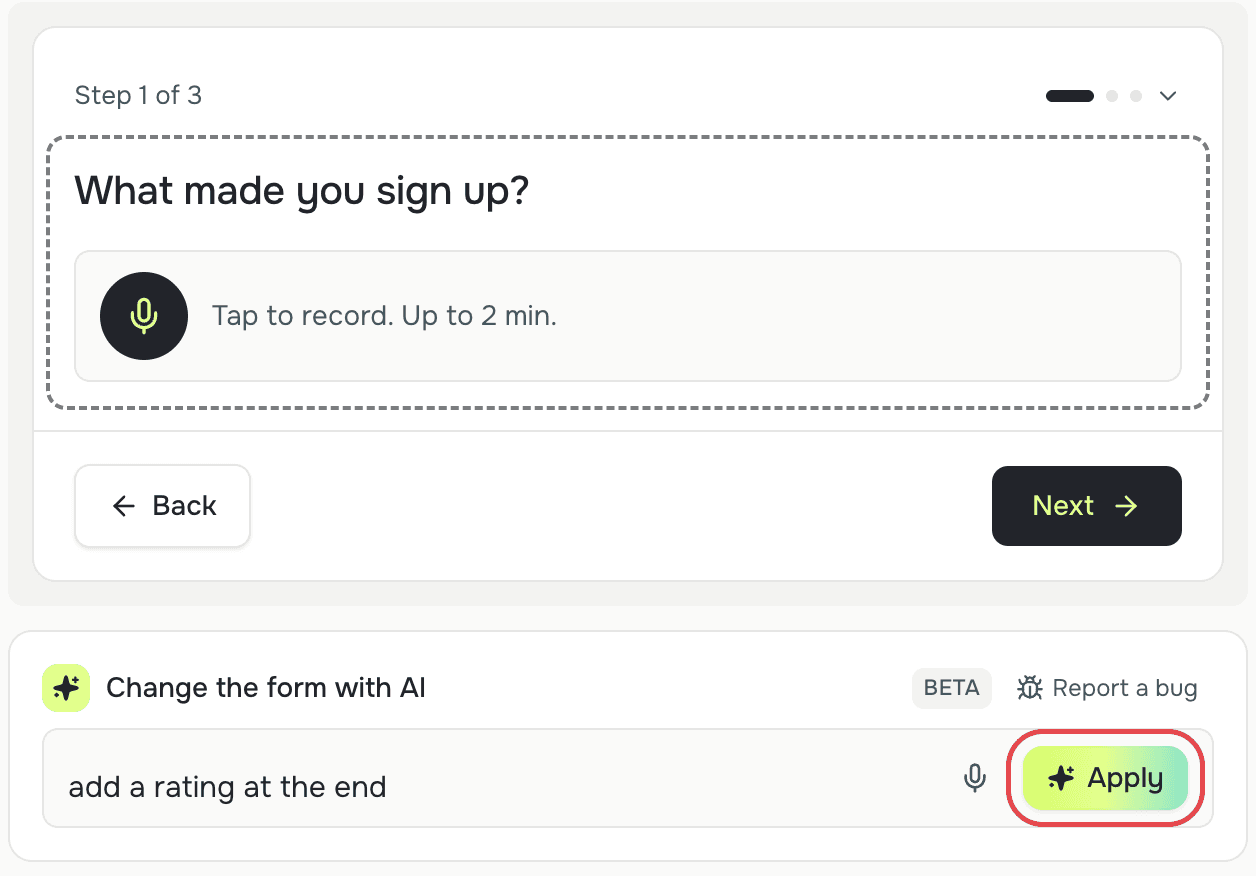
What changed appears under the box, with what you asked for. To speak the change, click the microphone.
The AI can't record for you. When you ask for a recorded question, you get an empty one to record yourself. The AI never deletes a recorded question. To remove one, select it and click Delete field.
Undo a change
Click Undo next to the change. To go back further, click the earlier changes under it and click Undo again.
Once you edit the form by hand, Undo goes away.
Stay within your plan
The Free plan allows 3 questions per form. Pro allows 20. If a change adds more than your plan allows, the extra questions aren't added, and you see a line like "The Free plan allows 3 questions, so 2 questions weren't added. Pro allows 20." Voice answers stay within your plan's longest answer: 1 min on Free, 5 min on Pro.
There's no monthly limit on AI changes on any plan. You can make up to 50 changes an hour and speak up to 30 instructions a day.
Write the form in another language
The AI writes a new form in the language of your description. To get another language, name it, for example "a feedback form in German". Later changes keep the form's language, even when you type them in English, unless you ask for a translation.
If you picked a Form language, the AI writes in that language. On Pro, when the AI writes the form in a new language, the form's buttons and messages switch to it too, and you see a line like "Form language set to German." Undo switches it back. See How to Change the Language of Your Voice Form.
Related: Start from a template, Preview a form