
How to Start a Voice Form From a Template
Start a voice form from a template, see what the Free version includes, and change the questions before you share it.
Start a voice form with the questions already written, and change any of them before you save.
Pick a template
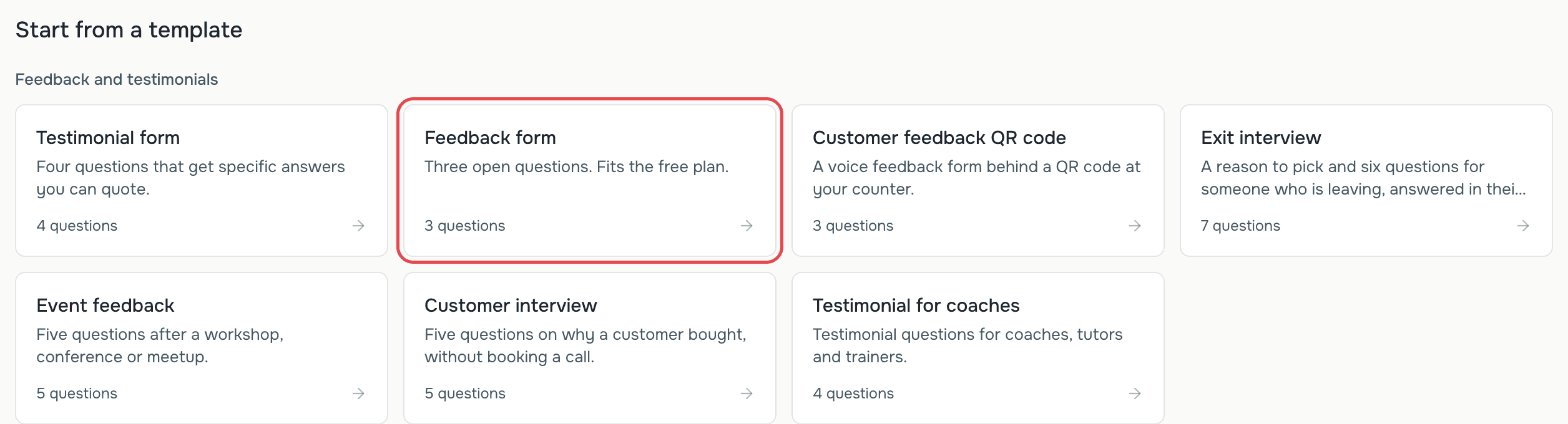
Open Forms and scroll down to Start from a template. Click a template.
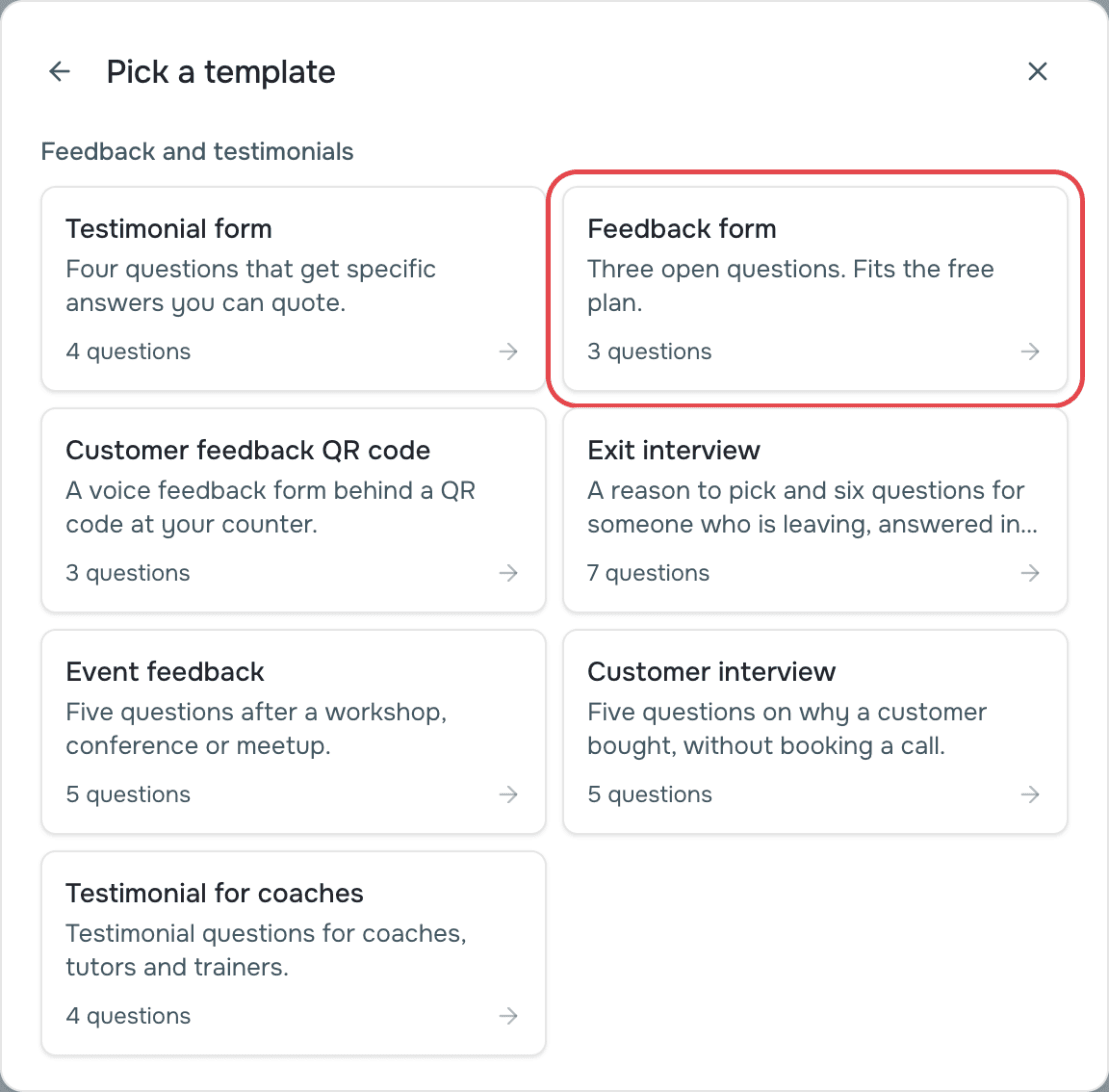
Or click New voice form, click Pick a template in the Start a new form window, and click a template there.
The builder opens with the template's questions. If you already have as many live forms as your plan allows, you're back on Forms with the upgrade options instead.
Free versions of templates
On the Free plan, you get the template's Free version, with up to 3 questions. A Contact details question counts as one of the 3. Some Free versions ask two things in one question, like "What does your business do, and what made you look for help now?" in the Client intake form. The number on a template's card counts the questions of the full template.
On Pro and Plus, you get every question. Many templates also set a longer voice answer, like 3 min, and their own button labels, like Give feedback and Send feedback.
Change the form and save it
Edit, add or delete questions as in a blank form. See How to Create a Voice Form.
Click Create voice form to save. Your form's page opens, with the window to share the form.