How to Get Email Notifications for New Answers
Get an email when someone answers your voice form: what it says, how often it comes, and where Open response takes you.
We email you when someone sends their answers to one of your voice forms. The email goes to the address you sign in with, on every plan.
Read the email
The subject is New response to and your form's name, like New response to Customer feedback. The email says who answered, like "Maria Lopez answered." When someone answers through a private link without giving a name, you see the name you gave that link. Otherwise you see "Someone answered."
Click Open response to open the newest answer in your dashboard.
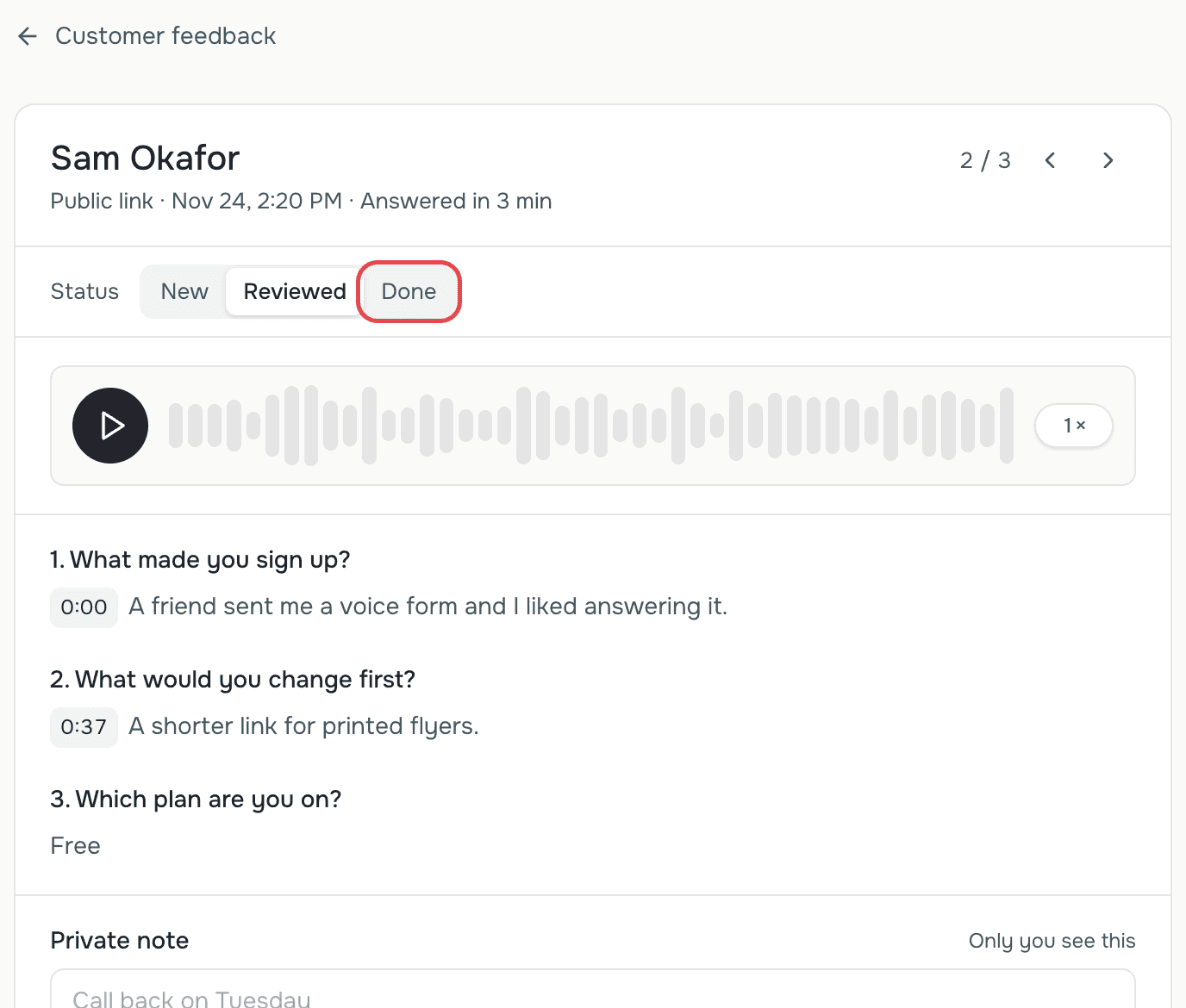
If the answer waits for your review before it goes to your workflow, the email says so. See Review answers before they go to your workflow.
How often the emails come
You get at most one email per form every 10 minutes. When more people answer in that time, the next email covers all of them, like "3 new responses, the latest from Maria Lopez." Each form has its own 10 minutes, so answers to two forms can bring two emails.
You don't get an email for an answer someone started and didn't send.
Turn the emails off
There's no setting to turn these emails off. To stop new answers, and with them the emails, pause the form. See How to Close a Voice Form.